

T&M Tickets
Migrate To Digital T&M Tickets Fast And Keep Teams On Track
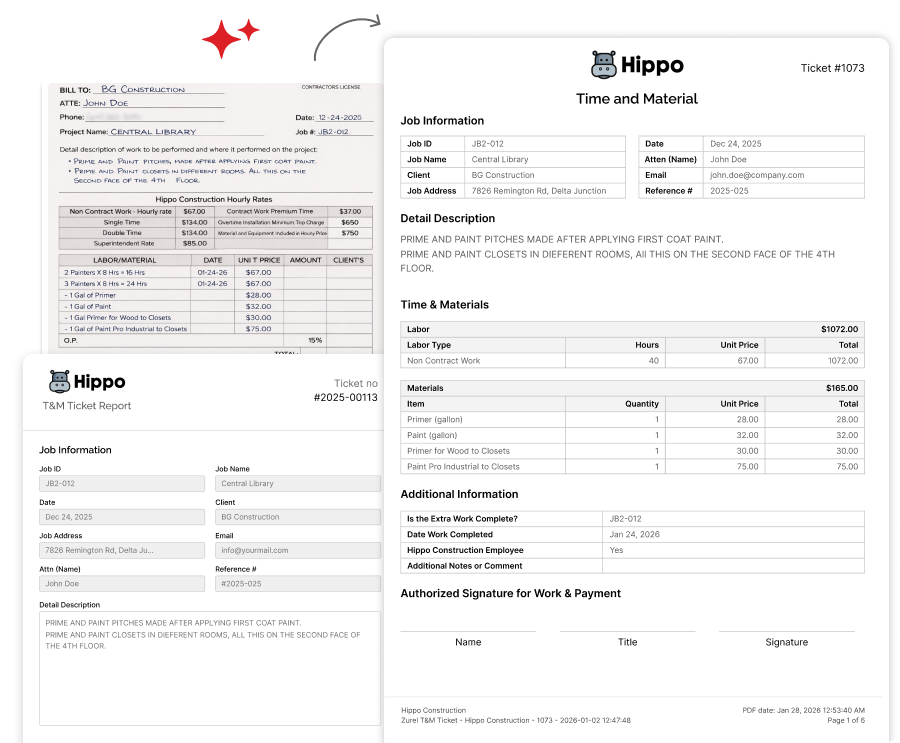
Migrate from your legacy T&M ticket process to Zurel quickly without forcing crews and clients to relearn your format. Keep tickets familiar, ramp adoption in days, and accelerate reviews and billing from day one.
Why Switching From Paper To Digital T&M Tickets Becomes A Nightmare
Switching from paper T&M to Digital T&M Tickets often slows to a crawl and turns into an adoption nightmare seen with many legacy tools. Crews face unfamiliar forms and workflow, training drags on, and early mistakes persist—creating rework for reviewers and delaying approvals and billing.
With these switching challenges at the forefront, Zurel provides proven tools to help teams move quickly, keep tickets familiar, and maintain steady throughput from the first week.
T&M Form Digitization
Drive Faster Adoption With Familiar Digital T&M Tickets Formats
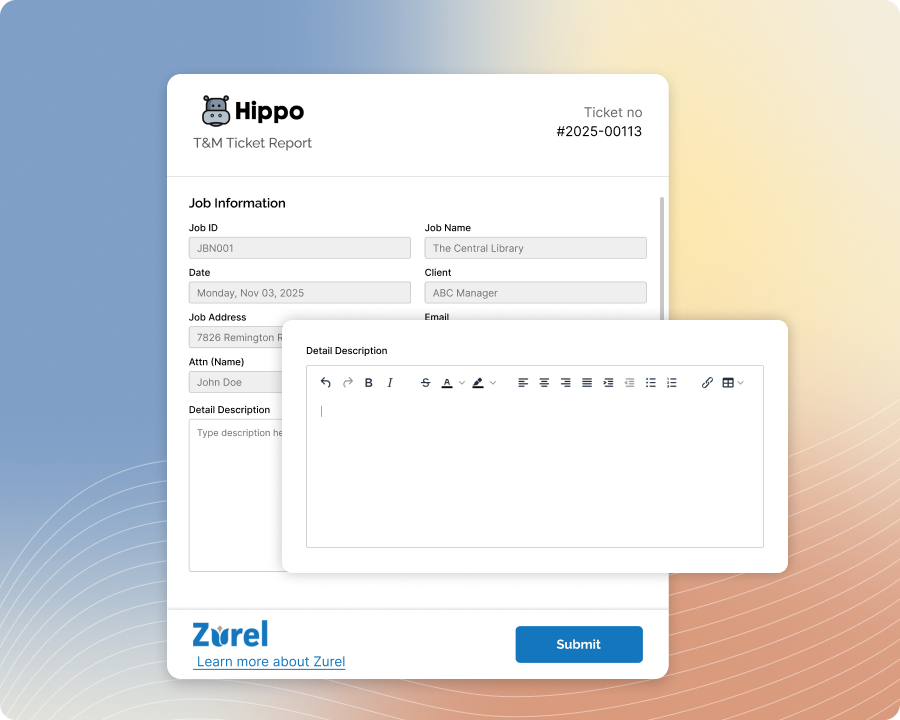
Convert paper or legacy templates into Digital T&M Tickets in Zurel with a fast, easy conversion. Keep familiar content and field order so crews adopt quickly and submit complete tickets with less back-and-forth.
Custom PDF Formatting
Keep Digital T&M Tickets PDFs Familiar For Faster Adoption And Acceptance
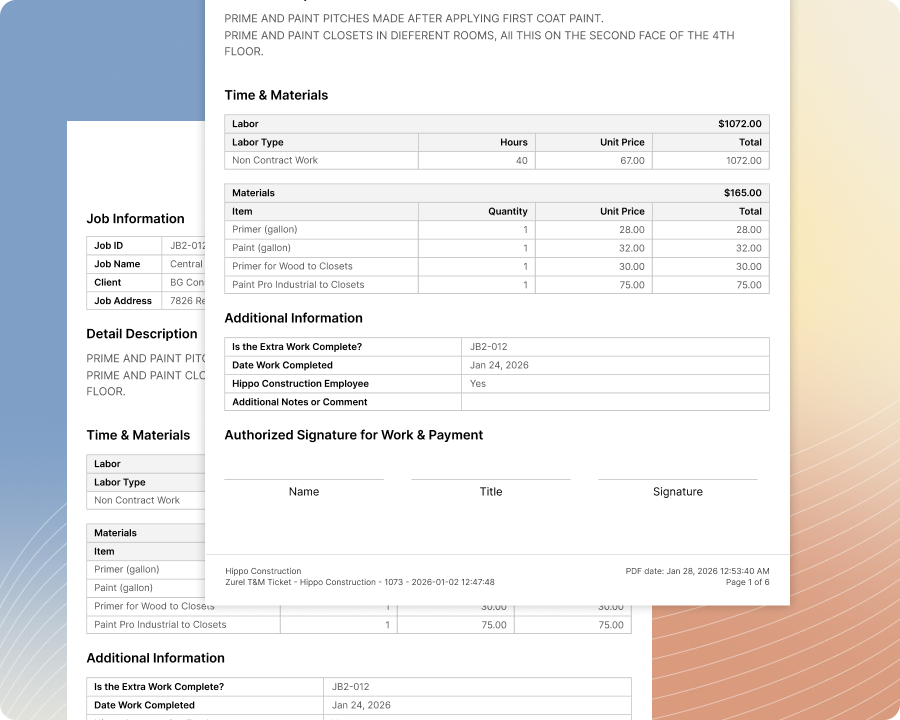
Set up a custom formatted PDF that exports ticket data in the same layout as your paper form. Preserve continuity for crews and clients, so it feels familiar, adoption is smoother, and reviews move faster.
Guided Actions Menu
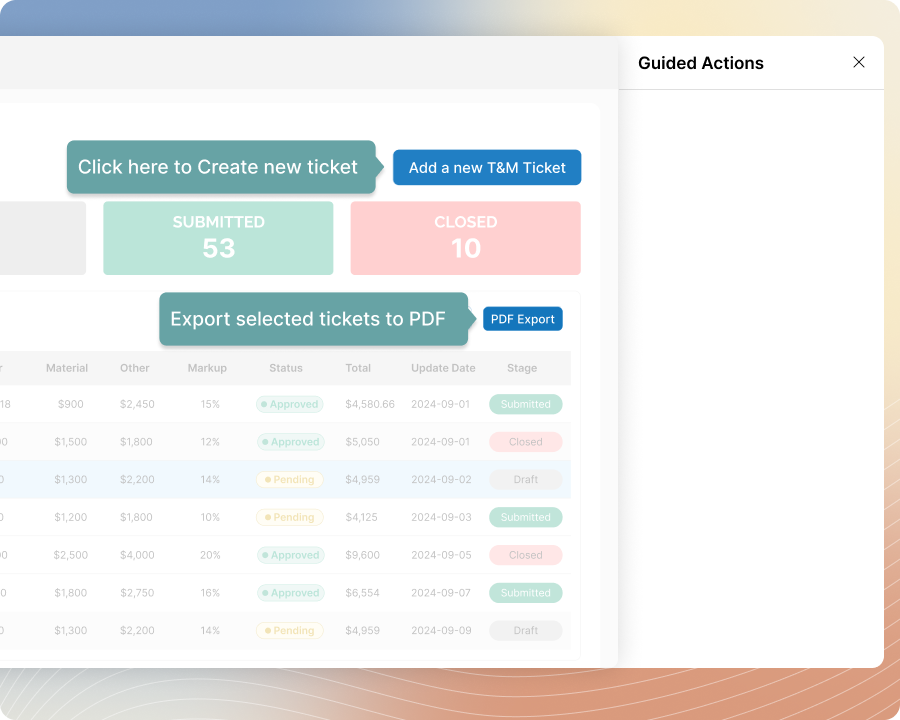
Get Teams On Digital T&M Tickets Faster With Guided Actions
Attach supporting documents as uploads or web links—like drawings, contract sections, change notes, related T&M Tickets, or receipts—so clients can verify scope and see full context during review. Reduce questions, avoid resends, and keep every ticket clear and complete.
Contextual Guide
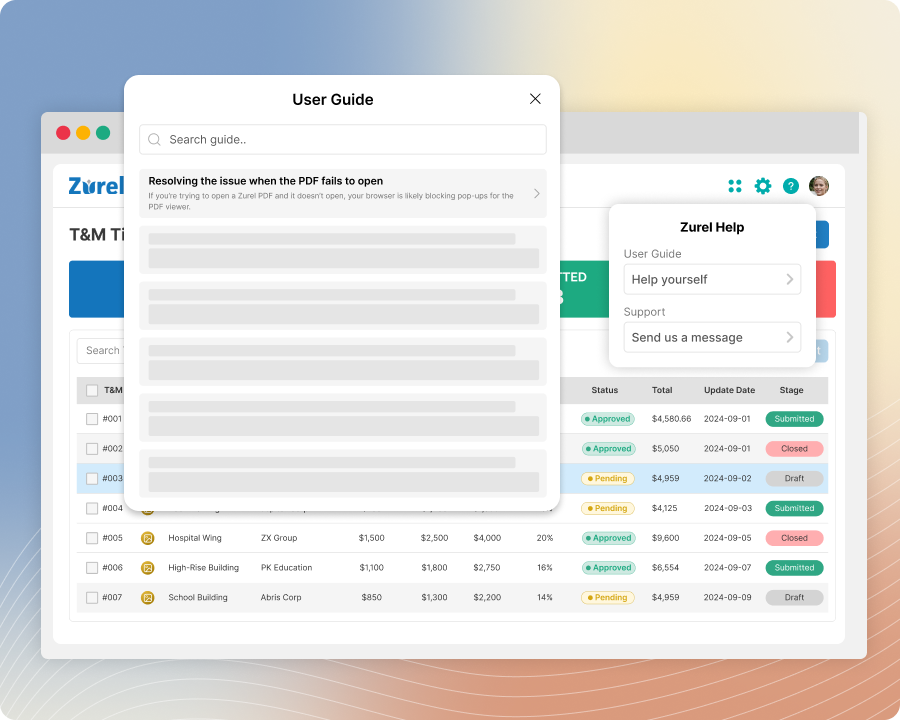
Resolve Digital T&M Tickets Questions Fast With Contextual Guides
Open the Contextual Guide from any screen to see the most relevant steps for what you’re doing. Skip searching support docs, reduce interruptions, and keep T&M Tickets moving from entry to review and export.
One Click Support
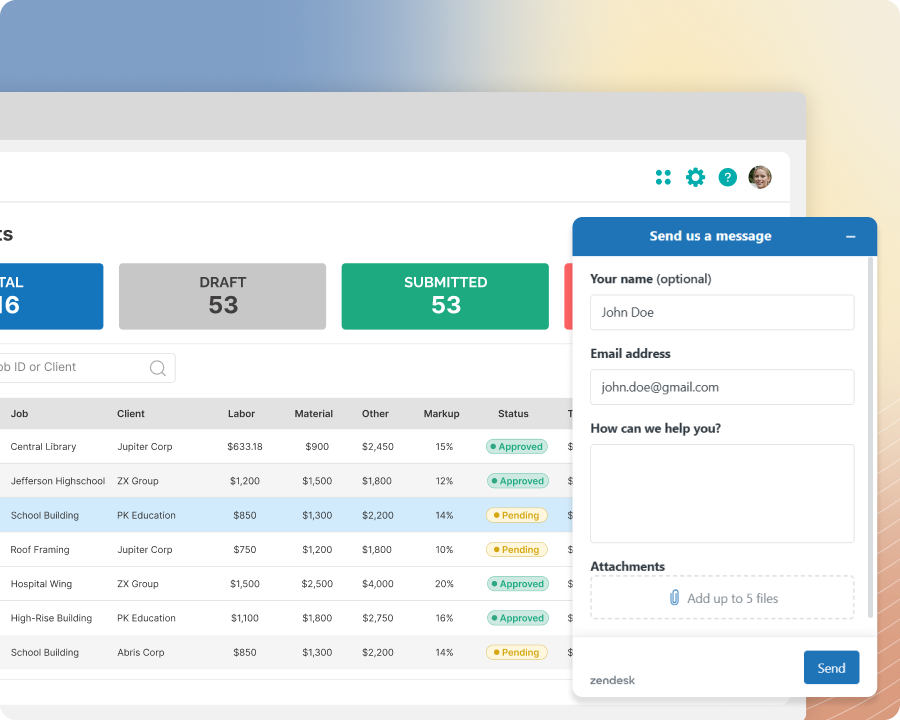
Keep Digital T&M Tickets On Track With One Click Support
Click once to reach support from anywhere in the app, right when a question comes up. Get quick answers, resolve issues faster, and keep T&M Tickets moving—without slowing crews, reviewers, or billing.