

ScopeMaker
Keep Preconstruction Organized with Well-Defined Divisions and Well-Structured Bid Packages
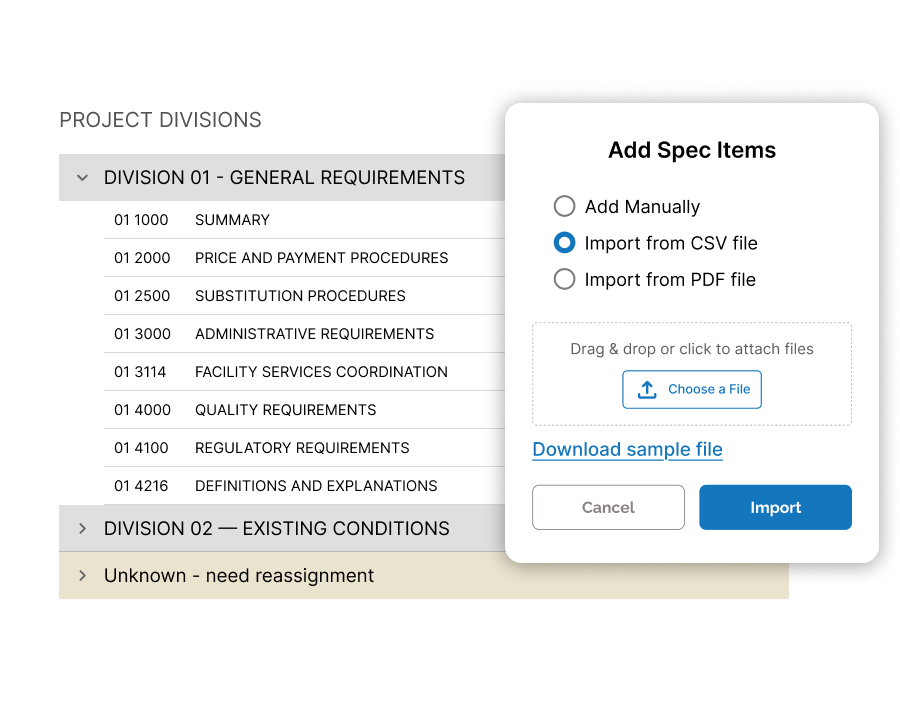
Import division codes and spec items early, align them with your internal trade structure, and tailor them for each project so your team starts with cleaner setup, less manual sorting, and lower risk.
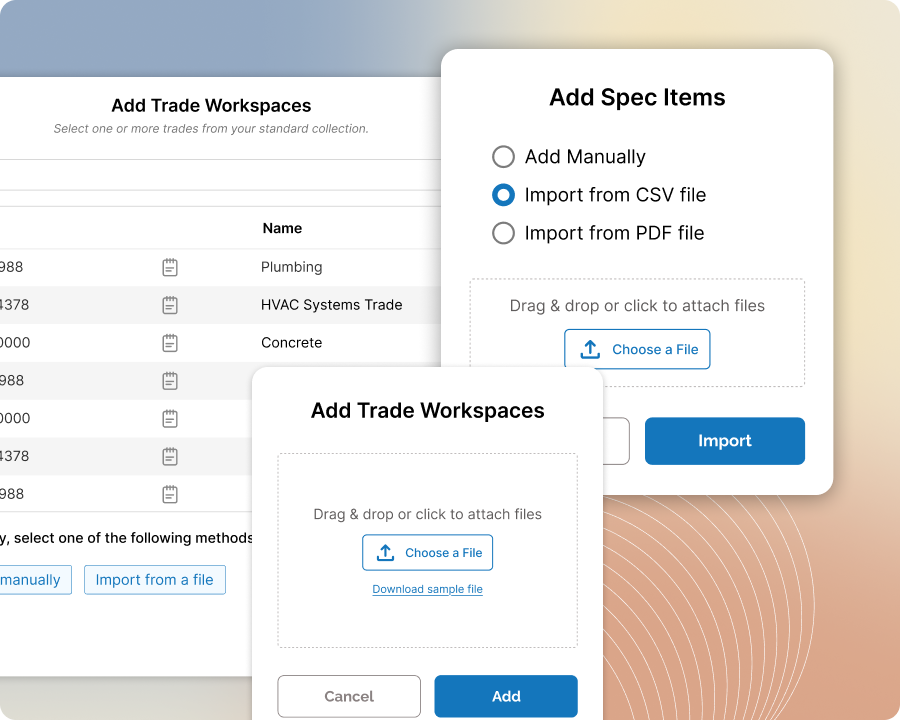
Import Division and Spec Items
Upload division codes and spec items before project setup begins
Upload divisions and spec items from a CSV file or from the table of contents in a PDF at the start of preconstruction so your team begins with spec items and division codes already in Zurel and ready to use.
Align with Internal Trade Categories
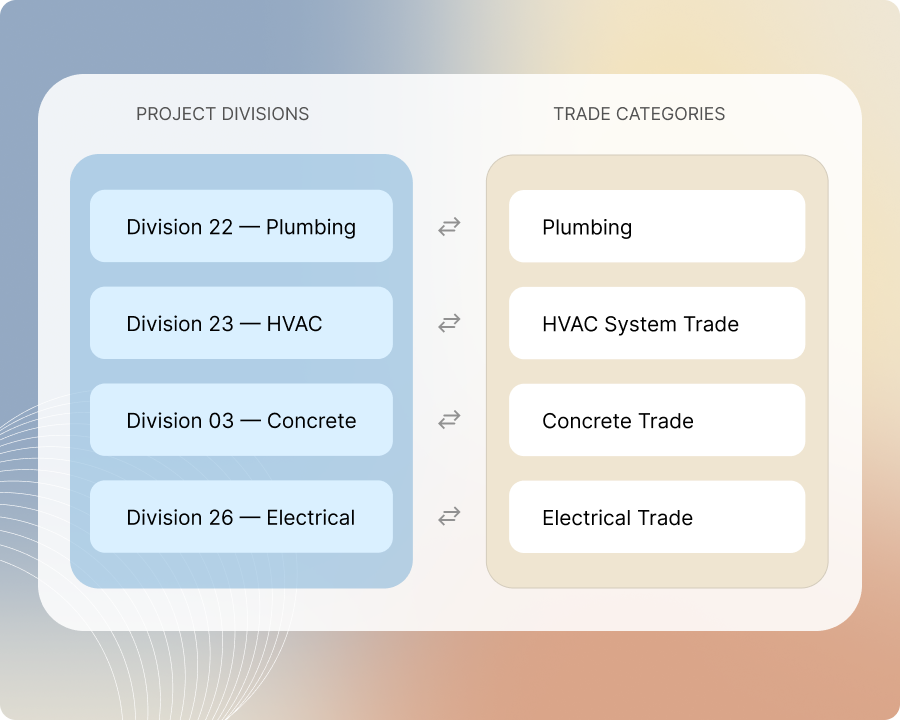
Align project divisions with the trade categories your team already uses
Match project divisions to your internal trade categories so your team can work with a familiar trade structure while still keeping the project’s own division structure and spec organization in place, with less rework, less manual sorting, and lower risk of setup mistakes.
Tailor Project Divisions and Specs
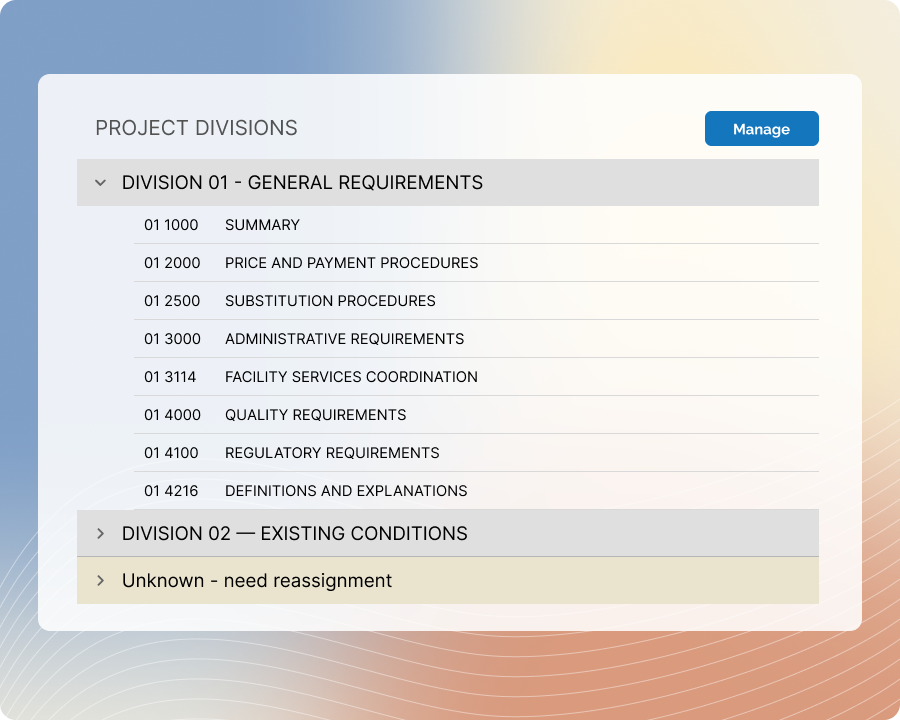
Tailor project divisions and spec items to fit each project
Adjust divisions and spec items with the flexibility to refine them as the project structure changes, so your team can match the actual scope, trade breakdown, and bid strategy while keeping setup practical and easier to carry into scope writing.