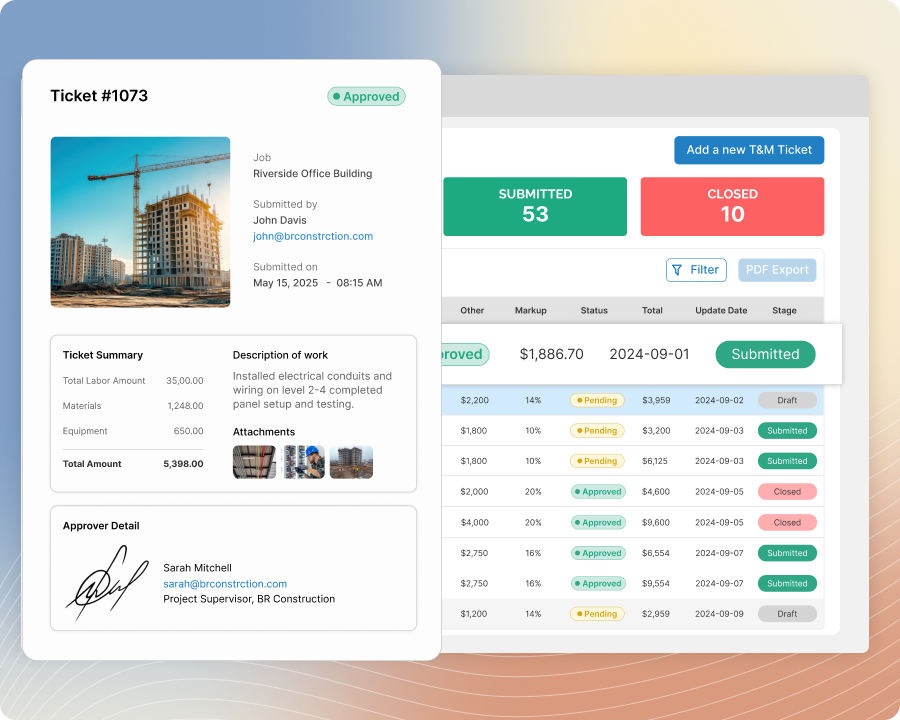
T&M Tickets
Use Email Approval to Simplify the T&M Ticket Workflow for You and Your Clients
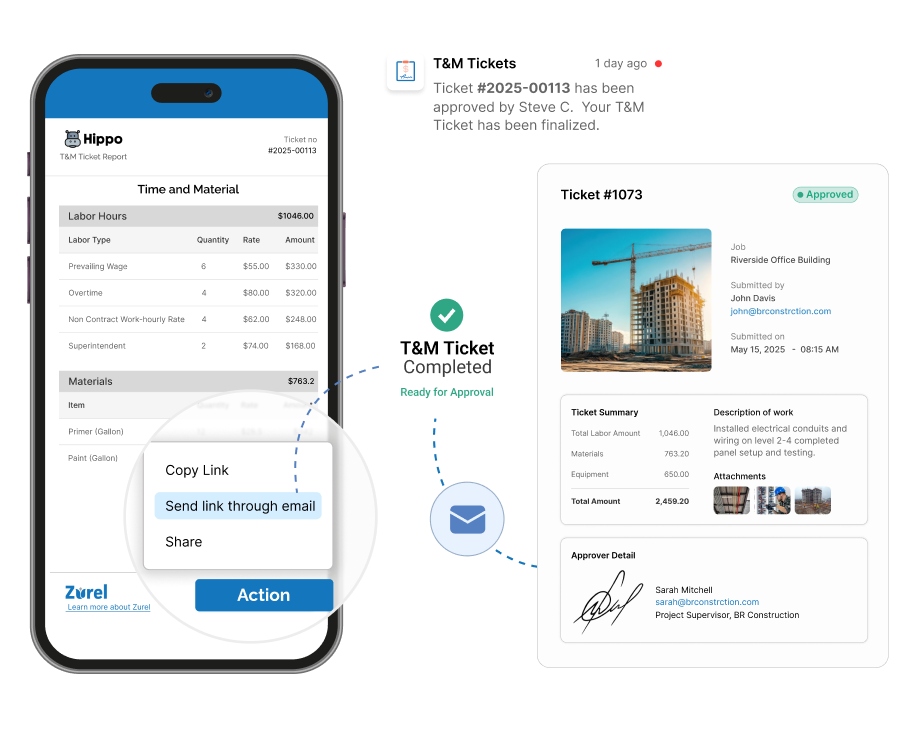
Email T&M Tickets for remote client approval from the field or back office. Let clients review and sign at a convenient time from their preferred device—without downloading the Zurel app—and receive an immediate notification once approval is completed.
How Zurel Makes Remote T&M Ticket Approval More Convenient for You and Your Clients
Convenient Approval
Let clients review and sign from their preferred device without downloading the Zurel app.
Flexible Approval Requests
Email T&M Ticket approval requests from the field or back office based on where the work is being completed.
Convenient Approval
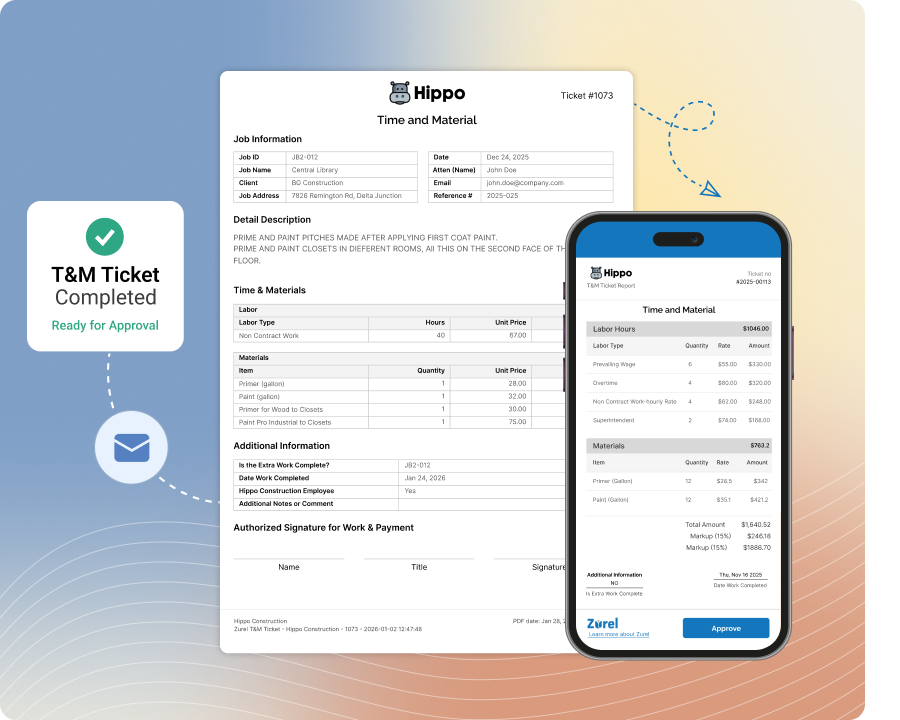
Let Clients Review and Approve T&M Tickets on Their Schedule
Is your client not with you when the T&M Ticket is ready for their approval? Simply email the complete ticket to the client approver. Let them review and sign at a time that is convenient for them and on the device they prefer—without ever having to download the Zurel app.
Flexible Approval Requests
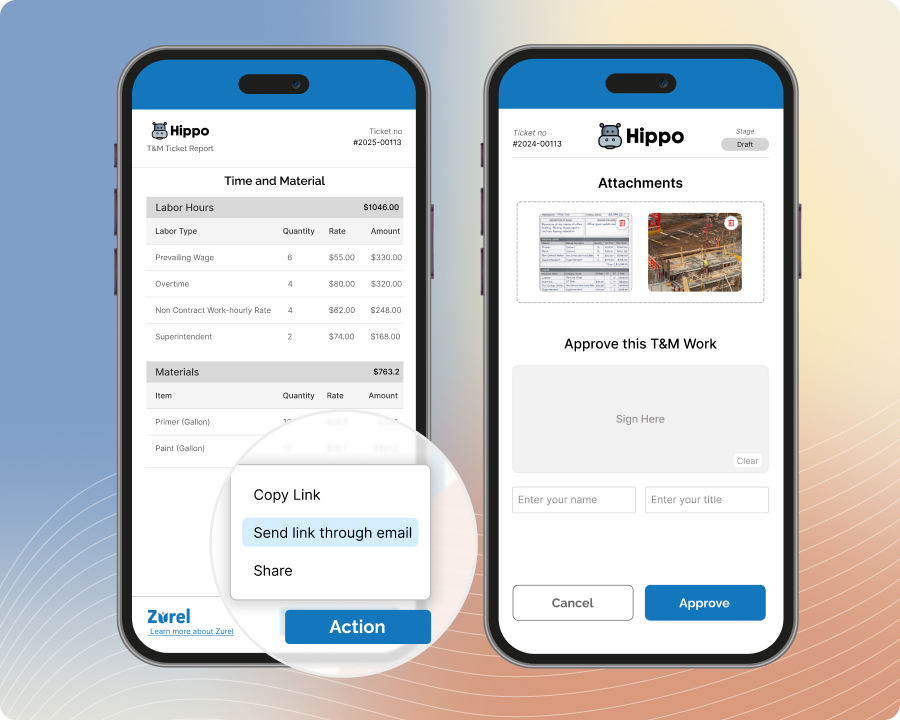
Email T&M Ticket Approval Requests From the Field or Back Office
Don’t delay sending your T&M Ticket for approval just because you are still in the field. Email a completed T&M Ticket for client approval from the jobsite or back office with Zurel. Move the ticket into client review sooner by sending the approval request from the location that best fits the workflow.
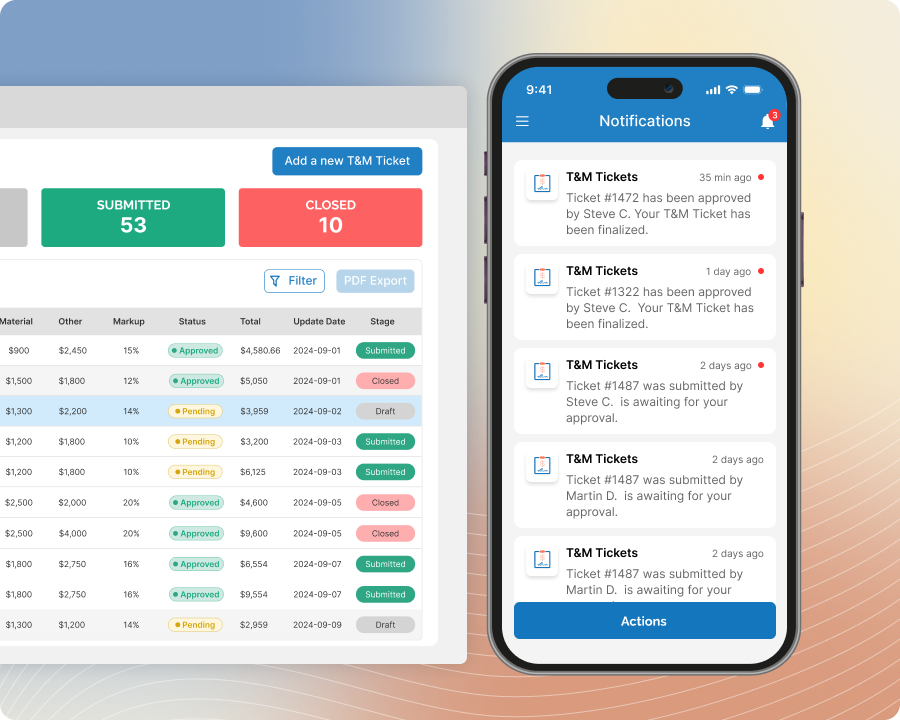
Instant Notification
Know as Soon as the Client Approves the T&M Ticket
Receive a notification as soon as the client approves the T&M Ticket. Stay informed without repeatedly checking the ticket status or following up with the client. Use the approval update to continue with internal review, recordkeeping, or billing preparation at the right time.
Email Authentication
Use the Approver’s Email to Strengthen the Approval Record
Keep a record of the email address used to approve the T&M Ticket. Store it with the client’s signature and approval details to provide an additional way to identify the approver. Create a clearer approval record and make it easier to confirm who completed the approval.