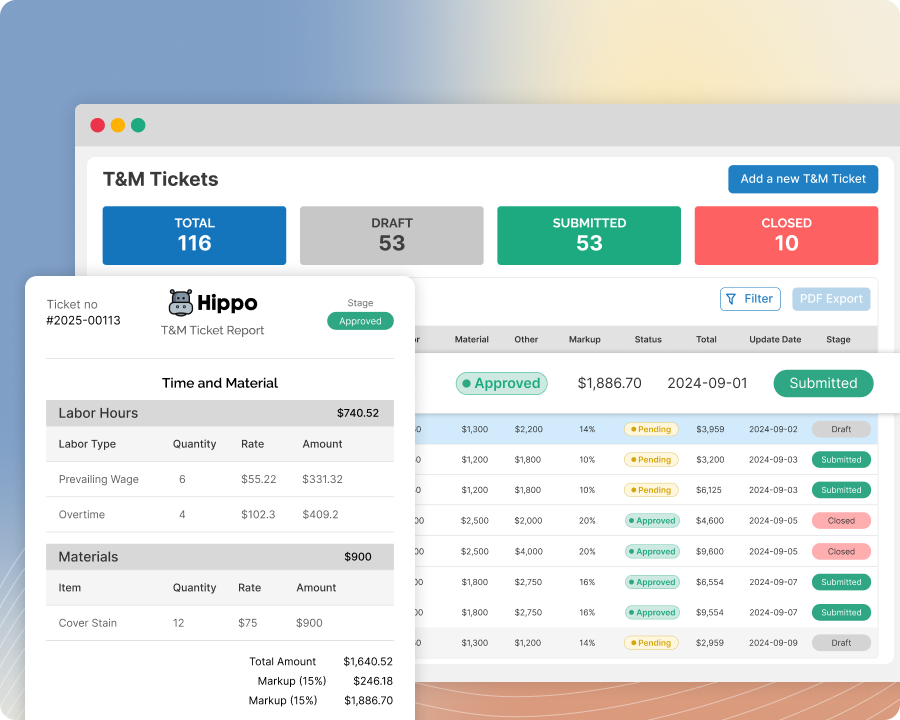
T&M Tickets
Get Instant On-Site T&M Ticket Approval With QR Codes
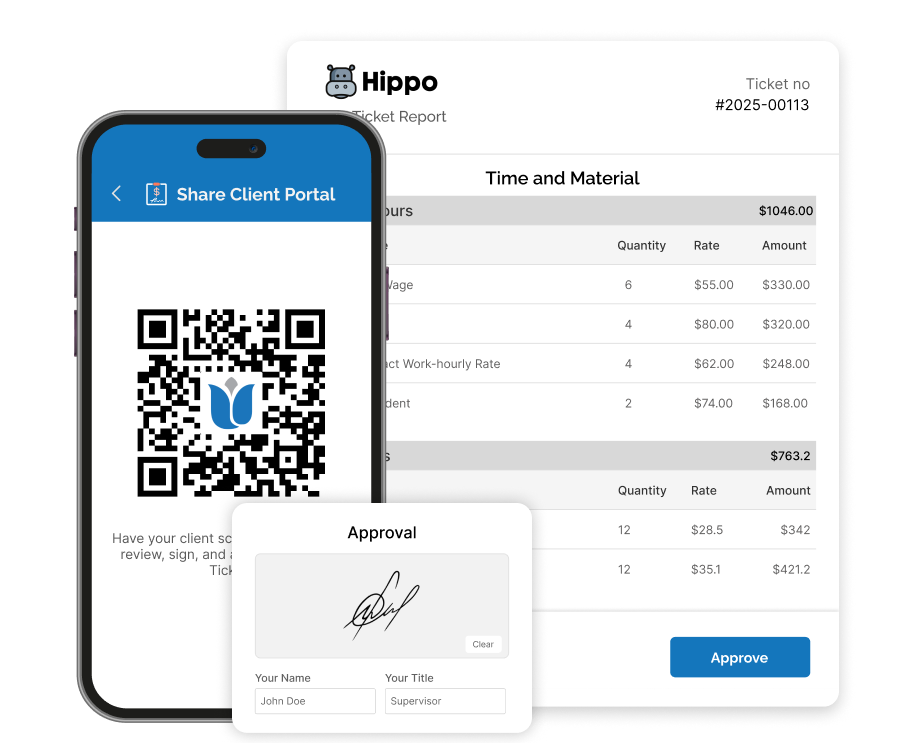
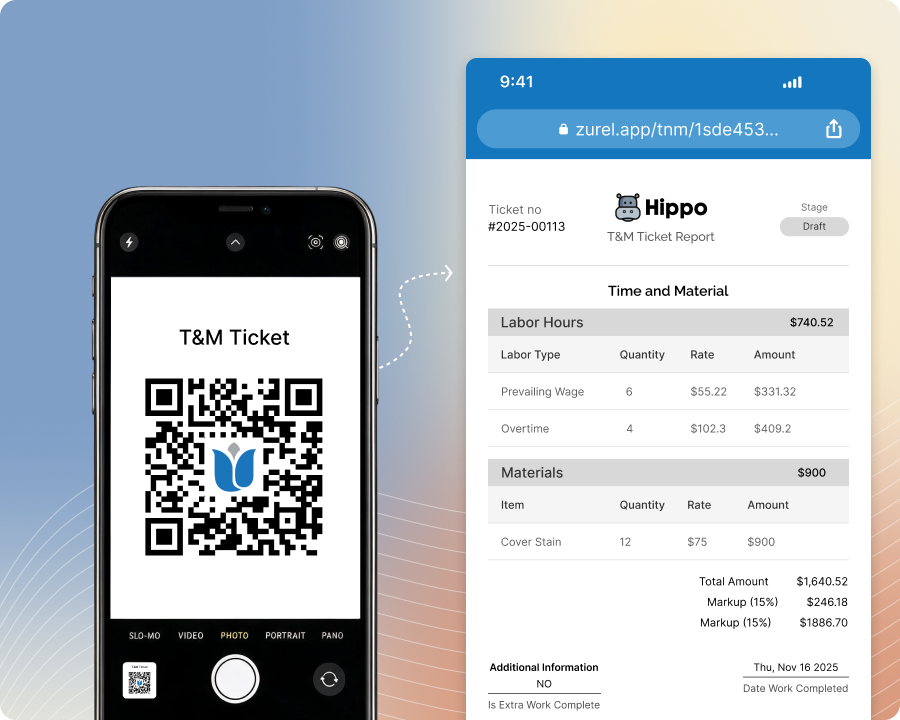
Complete a T&M Ticket and display its QR code for your client to scan, review, and sign on their own device. Keep approval in person and touch-free without requiring your client to download the Zurel app.
How On-Site QR Code Approval Simplifies T&M Ticket Approvals
Touch Free Approval
Get Instant On-Site Approval Without Exchanging Paper or Devices
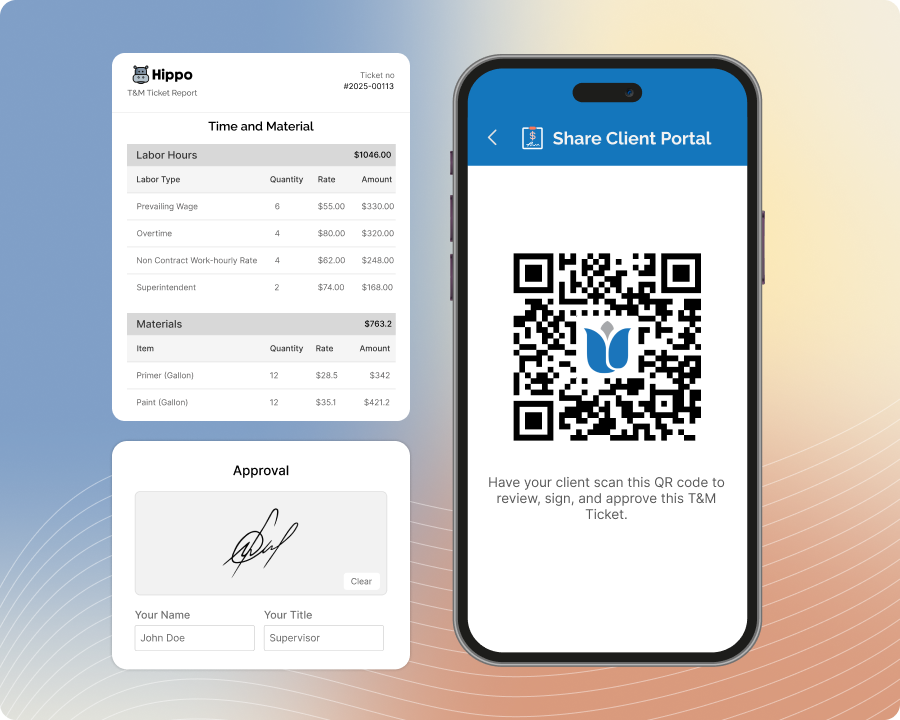
Keep the benefits of in-person, on-the-spot approval without the inconvenience of exchanging paper or devices. When your client is ready to approve, simply display the completed T&M Ticket’s unique QR code for them to scan, review, and sign from their own device. Get the instant approval you need without the barriers of having to swap paper, phones, or tablets.
Convenient for Client
Make It More Convenient for Your Client to Approve T&M Tickets at the Jobsite
Approving a T&M Ticket can be less convenient when clients must rely on paper or view it on someone else’s device. Remove this inconvenience by letting your client scan the QR code, open the complete ticket on their own device, review all documented details, and sign when ready.
No App Required
Let Clients Approve Your Zurel T&M Ticket Without Downloading the Zurel App
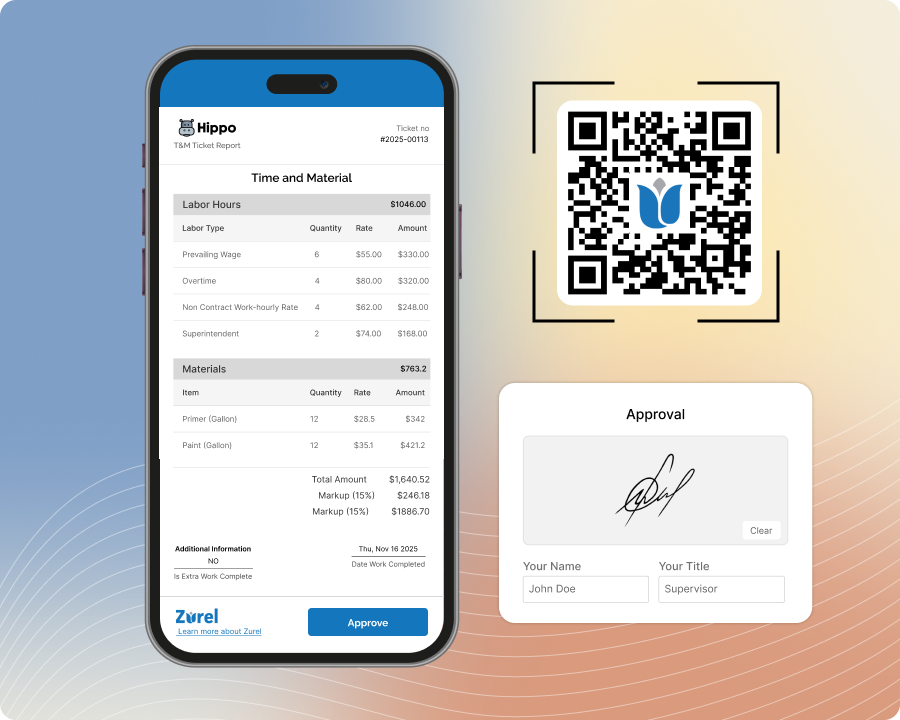
Having clients install an app is often a non-starter for a quick on-site approval. With Zurel, you do not have to. Instead, have your client scan the T&M Ticket’s QR code, open it in their device’s browser, and review and sign the ticket without downloading the Zurel app or creating an account.
Instant Office Access
Turn On-Site Approval Into Instant Back-Office Access
Paper approvals can be delayed while tickets are returned from the jobsite, and email approvals may require waiting for the client to open and respond. With on-site QR code approval, your client can sign immediately while you are together. Once approved, the T&M Ticket becomes instantly available to your back office without waiting for paperwork or a later email response.