

T&M Tickets
Create T&M Tickets in Seconds

Create T&M tickets with ease from the field or the office using mobile apps or desktop browsers. Capture details quickly, collaborate as needed, and keep every ticket accurate, complete, and ready to bill.
Fix Paper Delays With Digital Time and Material Tickets
Paper tickets slow work and introduce risk. Crews can’t always find the right form, fields get skipped, and key data (cost codes, labor, materials) shows up late or incomplete—forcing rework and back-and-forth.
Zurel removes friction with mobile-first ticket creation, one-tap starts, and smart defaults that prefill common values. Teams create and share tickets instantly—whether in a trailer or out on the job site—so work continues and data stays accurate.
Features of Digital T&M Tickets
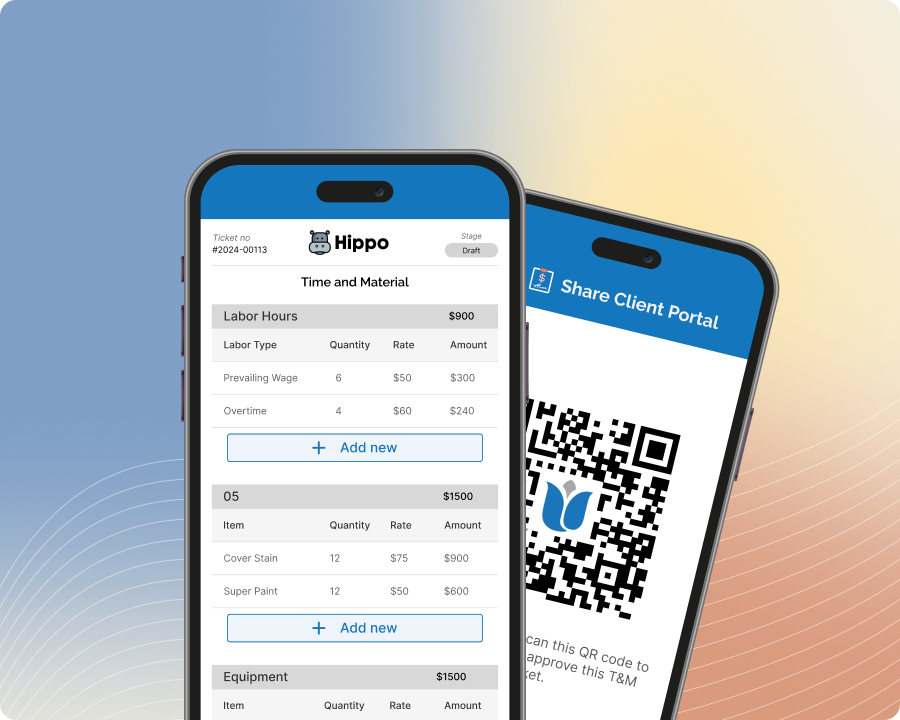
T&M on Mobile
Create And Update T&M Tickets Instantly From The Jobsite
Start a T&M ticket the moment extra work begins—right from the field. Capture key details as work happens, share with teammates for quick input, and keep every ticket accurate, complete, and ready to bill.
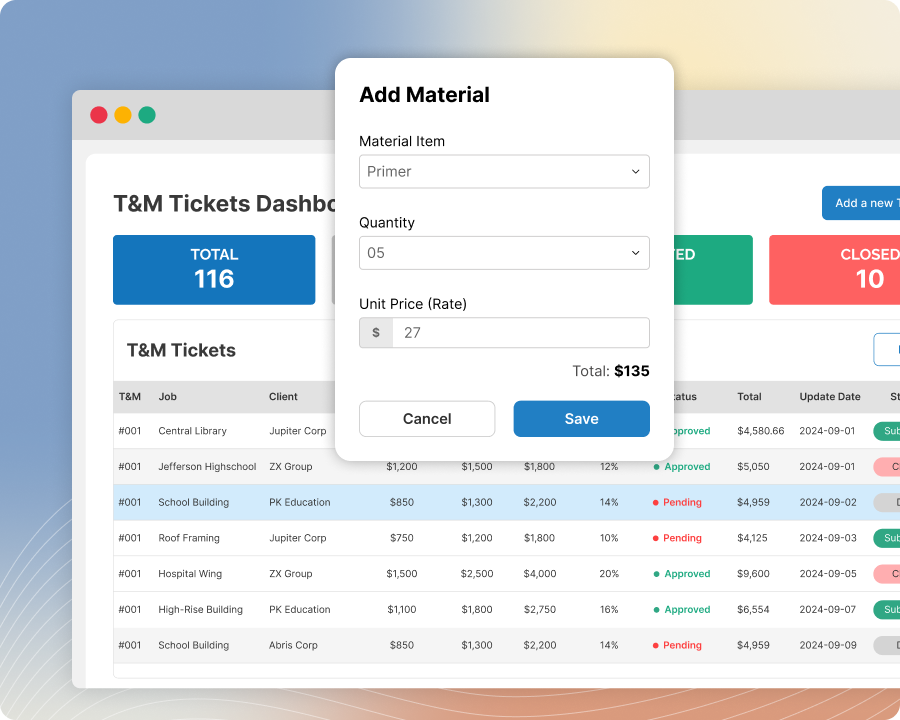
T&M on Desktop
Create And Review T&M Tickets With A Full-Screen Desktop View
Create T&M tickets from any desktop browser with a comprehensive, full-screen view built for speed and clarity. Enter details efficiently, review everything in one place, and keep tickets consistent and accurate for billing.
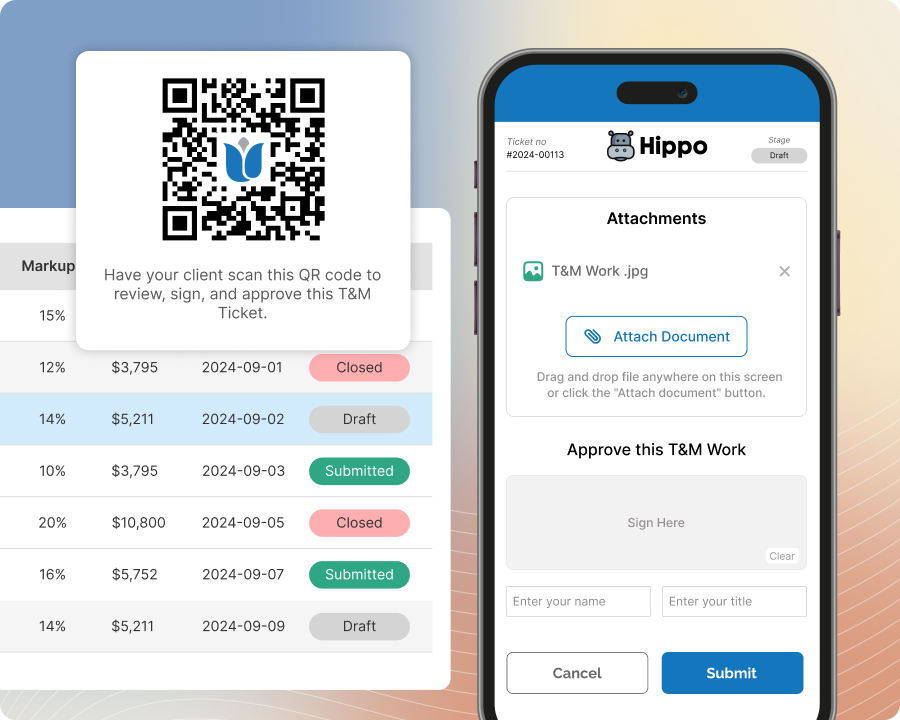
Share Or Assign Tickets
Share T&M Tickets With Teammates Or Assign Clear Ownership
Create a T&M ticket and share it with your team or assign it to specific teammates for next steps. Everyone can add details, attach documentation, and review together—so tickets stay accurate, complete, and ready to bill.
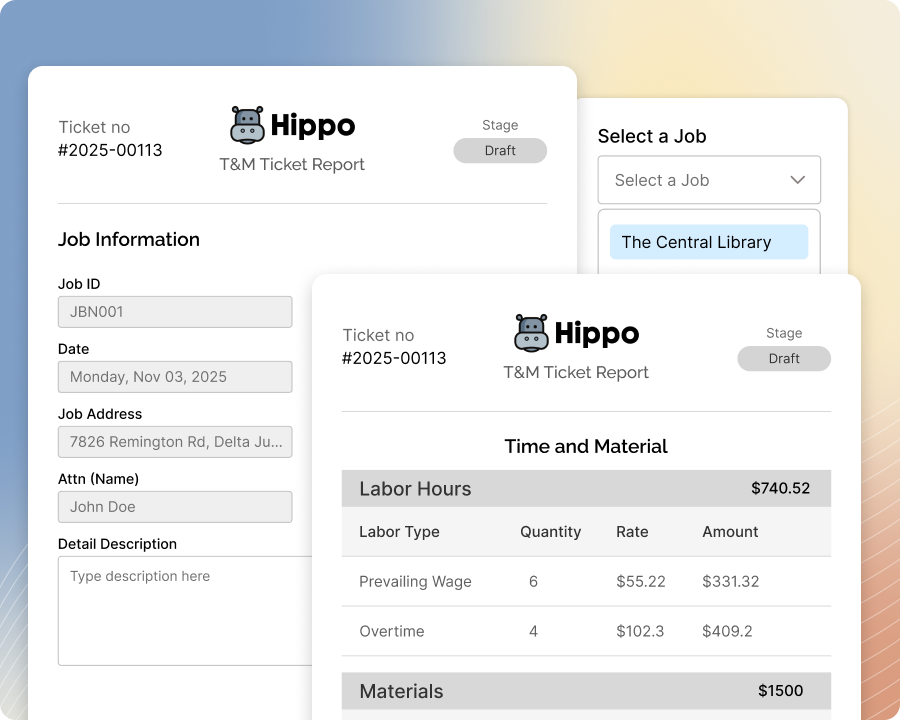
Smart Defaults
Start T&M Tickets Faster With Pre-Filled Job Details
Open a new ticket and let Smart Defaults fill fields like job name, ticket number, location, date, and markup rate. Tap to adjust and deviate from admin-set default values when needed, so crews keep tickets accurate and bill-ready.

Scan Paper T&M
Scan Paper T&M And Attach It To The Digital Ticket
Scan a paper T&M from the field or office and attach it directly to the digital T&M ticket. Keep the original document linked to the right work, reduce missing paperwork, and give reviewers everything they need in one place.