In the previous post, we looked at the three types of content that commonly appear in bid package exhibits: contractor-standard boilerplate language, conditional reusable language, and project-specific language.
This post builds on that foundation by looking at four ways contractors can organize that content in templates.
Most contractors are not creating safety, labor, insurance, or other bid package exhibits from scratch every time. They are starting from templates, previous project documents, shared folders, or saved language that has been used before.
The challenge is that there is more than one way to organize this content in templates. Each method creates a different balance between template maintenance, ease of use for the project team, and risk of using the wrong language.
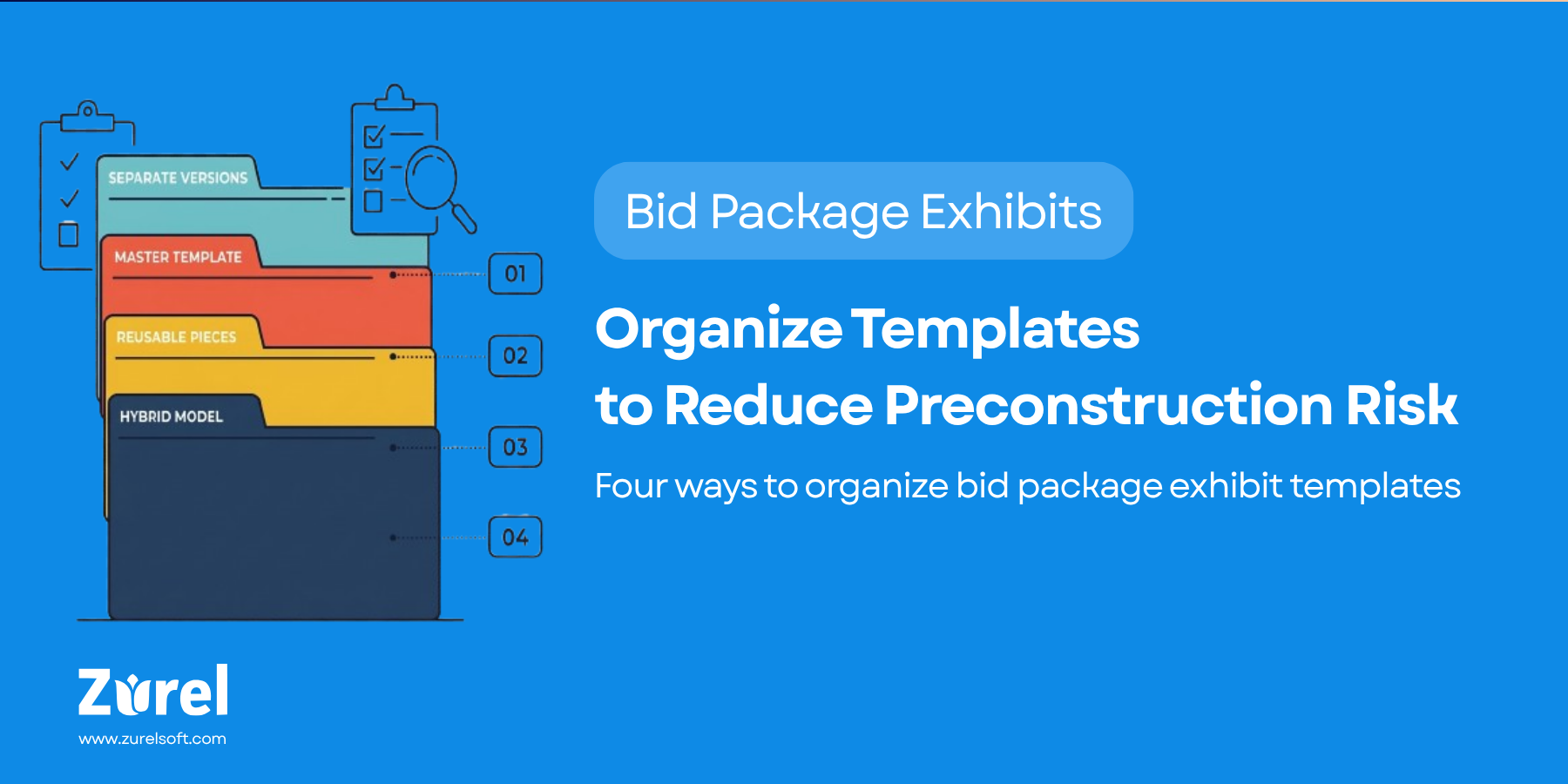
In this post, we will look at four common models: creating separate template versions, organizing everything in one master exhibit template, separating the master template from smaller reusable content pieces, and using a hybrid model with grouped variation documents.
1. Create separate template versions
One way to organize exhibit templates is to create a separate version for each common situation.
For example, a contractor may create one safety exhibit template for LAUSD projects, another for PUSD projects, another for Meta projects in the Bay Area, and another for private commercial projects in California. Each version includes the contractor-standard boilerplate language plus the conditional reusable language that usually applies to that type of project.
This approach can work well for contractors that have a smaller number of conditional variations to manage. The contractor may work mostly in one jurisdiction, use the same language for most clients, or only need a few variations for repeat clients, public work, private work, union labor, or a specific project type.
In those cases, the project team only has to pick from a few template options. The preconstruction manager or operations manager only has to maintain a few versions. If the right template is obvious, the team can open one document, make project-level edits, and move forward.
The challenge starts when the number of conditional variations grows. Every version becomes another document that has to be reviewed, updated, approved, and kept current. If the contractor-standard boilerplate language changes, the same update may need to be made across several exhibit versions. If a conditional requirement changes, the team has to know which templates are affected.
The other challenge is knowing which version to use. The project team may use a general version when a project needs a more specific version. They may use a client-specific version that does not include the right jurisdictional language. Or they may use an older version without realizing that a better template exists.
So the version-based approach is not automatically wrong. It can be practical when the number of templates is small and easy to control. But once the contractor needs too many versions, the approach becomes costly to maintain and risky to use.
2. Organize everything in one master exhibit template
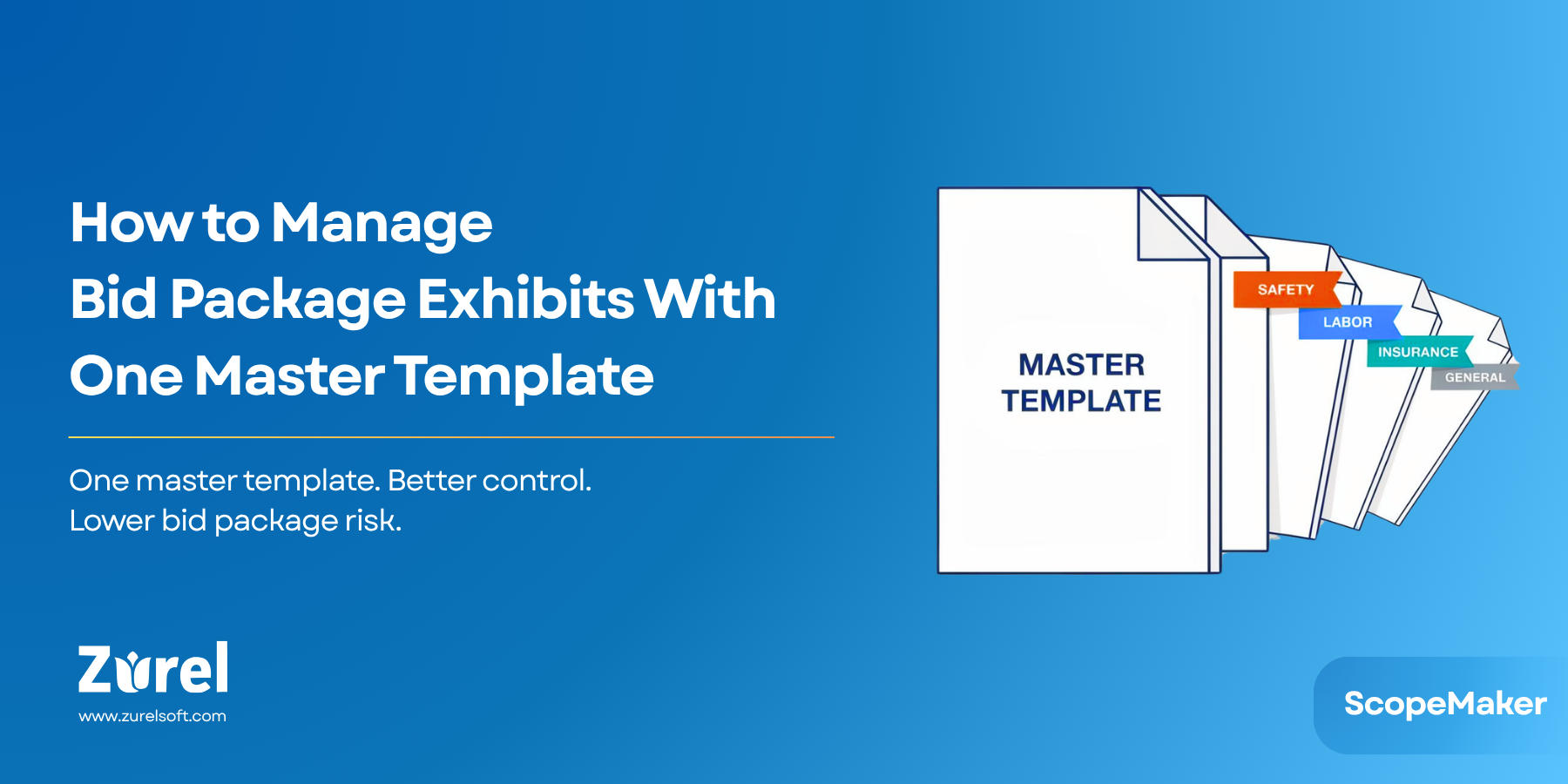
Another way to organize exhibit templates is to keep all repeatable content in one master template for that exhibit.
In this model, the contractor creates one master template for each exhibit type: one master safety exhibit template, one master labor exhibit template, one master insurance exhibit template, and so on. Each master template includes the contractor-standard boilerplate language, conditional reusable language for the conditions the contractor commonly encounters, and optional language that may apply to that exhibit type.
Instead of maintaining separate versions or smaller supporting templates, all reusable content for that exhibit is organized inside one document. The project team starts from that master template and removes the content that does not apply.
The benefit is that there is only one template to maintain for each exhibit. The team does not have to search for separate conditional language in other documents. They also do not have to wonder whether special language exists somewhere else. If the content belongs to that exhibit type, it is already inside the master template.
This model may be suitable for contractors that do not have a dedicated preconstruction team or do not have too many dimensions of conditional variation to manage. Their exhibit language may vary across only a few project types, a limited number of delivery methods, a small set of jurisdictions, or a few recurring client requirements.
The challenge is that this model shifts the burden from maintenance to use. Maintaining one master template may be easier than maintaining several separate versions, but using the template can become more cumbersome. The project team has to identify which language applies, remove the language that does not apply, and make sure the final exhibit does not include leftover terms from the wrong client, jurisdiction, project type, or other condition.
That does not make the model unmanageable. It just means the monolithic template has to be supported by the right structure, workflow, and tools. Optional sections should be clearly labeled. Conditional language should be easy to identify. The process should guide users on when to keep, remove, or review certain language. The tools should make it easier to manage optional content without relying only on manual cleanup.
So organizing everything in one master exhibit template can reduce template maintenance, but it requires discipline in how the template is structured and how the workflow is managed.
3. Organize conditional language into smaller reusable templates
A third way to organize exhibit templates is to separate the master exhibit template from the supporting reusable content.
In this model, the contractor maintains one master template for each exhibit type. For example, there may be one master safety exhibit template, one master labor exhibit template, and one master insurance exhibit template. These master templates contain the contractor-standard boilerplate language and the general structure of the exhibit.
Then the contractor stores conditional reusable language in smaller purpose-built templates or reusable content documents. These may include language for certain jurisdictions, clients, project types, delivery methods, labor environments, market sectors, funding sources, or other recurring conditions.
This model can make maintenance easier and the template system more scalable. If the company-wide boilerplate language changes, the team updates the master exhibit template. If a conditional requirement changes, the team updates the specific reusable content connected to that condition. If the contractor adds a new repeat client, enters a new jurisdiction, starts using a new delivery method, or takes on a new project type, the team can add a new reusable content piece without creating another full exhibit version.
This approach is especially useful for contractors that work across multiple dimensions of conditional variation. They may work across multiple jurisdictions, serve several repeat clients, use different delivery methods, perform both public and private work, or manage different labor requirements across project types.
The challenge is that the project team now has to assemble the exhibit from multiple pieces. They need to know which conditional language applies. They need to find the right content, understand where it belongs, and add it to the exhibit correctly.
If that process is managed through folders, file names, and manual copy-paste, it can become tedious and error-prone. The content may be easier to maintain, but harder to use.
This model becomes more effective when supported by the right structure, workflow, and tools. Conditional language should be tagged clearly. The master exhibit template should show where supporting content belongs. The workflow should guide the project team on what to add based on the project’s conditions. The tools should make it easier to find, insert, and review reusable content without relying only on memory or copy-paste.
So organizing conditional language into smaller reusable templates can make content easier to maintain and scale. But the content library has to be usable for the project team. Otherwise, the burden simply moves from template maintenance to exhibit assembly.
4. Use a hybrid model with grouped variation documents
A fourth way to organize exhibit templates is to keep the master template as the master template, then organize conditional reusable language into grouped variation documents.
In this model, the contractor maintains one master template for each exhibit type. The master safety exhibit template, labor exhibit template, insurance exhibit template, or other exhibit template contains the contractor-standard boilerplate language and the general structure of the exhibit.
Then the contractor creates grouped variation documents to store conditional reusable language. These documents are not necessarily one document for each variation type. Instead, each document groups related variations in a way that makes the content easier to maintain and use.
For example, one document may store safety exhibit language for school districts in a region. Another document may store California requirements and related sub-jurisdiction requirements, such as Los Angeles or San Francisco. Another may store Arizona requirements and related local requirements. Another may store language for certain delivery methods, labor conditions, market sectors, or funding sources.
When the project team creates an exhibit, they start with the master exhibit template. Then they go to the relevant grouped variation document, find the specific variation that applies, and use that content in the exhibit. For example, if the project is a school district project in Los Angeles, the team may pull the school district language from the regional school district variation document and the Los Angeles or California language from the California variation document.
This model keeps the master template clean. The master exhibit template remains the source for the contractor’s standard language and exhibit structure. The grouped variation documents become organized places to store conditional reusable language without forcing every variation into the master template.
It also gives the team a clearer way to maintain reusable content. If a California requirement changes, the team updates the California variation document. If a school district requirement changes, the team updates the appropriate school district section in the regional school district document. If a new recurring condition appears, the contractor can add it to an existing grouped variation document or create a new one.
The challenge is that the project team still needs a reliable way to use the grouped variation documents. They need to know which documents apply, which specific variation to select inside each document, and where that language belongs in the master exhibit.
This model works best when supported by the right structure, workflow, and tools. Grouped variation documents should be clearly named and tagged. The master template should show where each type of conditional content belongs. The workflow should guide the user to the right grouped document and the right variation inside that document. The tools should make it easier to find, insert, and review the right language without relying only on folders, memory, or copy-paste.
For many contractors, this may be the most practical compromise. It avoids the second model’s overly monolithic structure, where too much conditional language gets forced into one master template. It also avoids the third model’s risk of becoming too fragmented, where reusable content is spread across too many small templates. The hybrid model keeps the master template stable while giving conditional language a clear and scalable home.
Final Thought
There is no single right way to organize exhibit templates. The right model depends on how much variation the contractor has to manage, how often exhibits are created, who maintains the templates, and how much support the project team needs when building a bid package.
For this post, the key point is simple: do not let exhibit templates grow randomly through copied files, old project folders, and one-off edits. Whether the contractor uses separate versions, one master template, smaller reusable templates, or a hybrid model, the content needs a deliberate structure.
That structure should help teams maintain contractor-standard boilerplate, manage conditional reusable language, and build each final exhibit with less confusion, less rework, and lower risk.
About Author