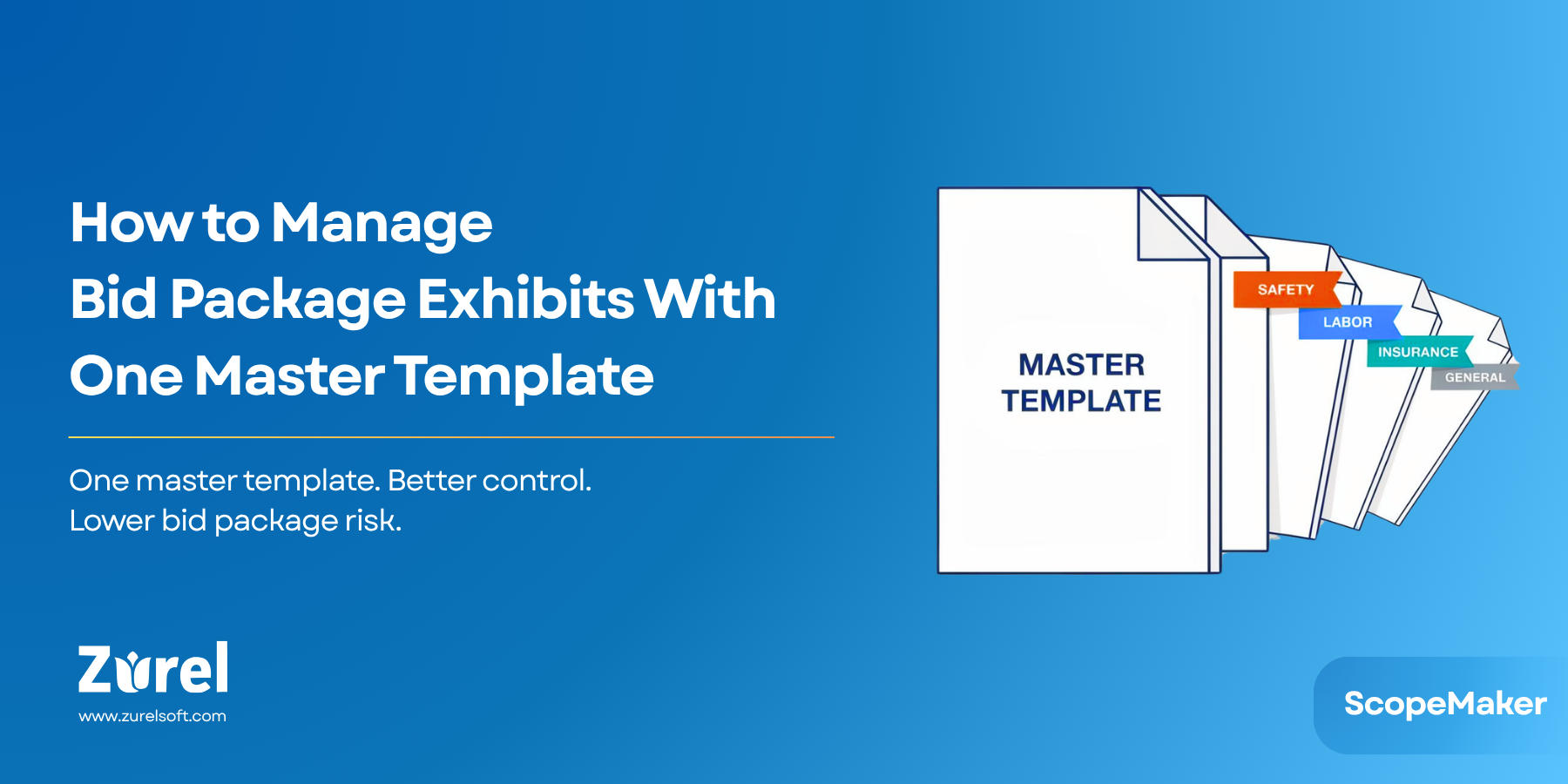
In this post, “standard exhibit language” includes both trade-specific requirements and project-wide terms & conditions that appear in bid package exhibits.
The leak you miss: drift in “standard” language
Success in bid packages hinges on the precision of exhibits. The most expensive errors aren’t the obvious ones—they’re the quiet edits to standard exhibit language that slip through. When line items are easy to change, language drift creeps in across projects and trades, touching both technical requirements and T&Cs. Teams end up policing documents instead of improving them, burning hours on comparisons and still missing changes that shift pricing and risk.
Bottom line: if standards can be edited or deleted in a local file, you don’t have standards—you have suggestions.
Why it happens—and why it’s costly
When exhibit language varies from trade to trade or project to project, subs price what’s in front of them—and you inherit the risk of gaps. Here’s how drift starts and compounds into cost:
Policing ≠ protection: email redlines and spreadsheet comparisons are time-consuming and incomplete
Local tweaks snowball: “Just for this job” edits permanently erode baseline provisions (testing, access, closeout, indemnity).
Risk shifts silently: softened or deleted terms change who owns constraints and liabilities, leading to avoidable change orders and disputes.
Subs price what they read: inconsistent exhibits yield inconsistent pricing; buyout starts on the back foot.
The fix: protect content at the line item
Policy memos and Word templates won’t stop drift because they don’t control edits. You need content protection at the line-item level. Lock the non-negotiables and tailor by exception with role-based unlocks. Teams still move fast, but standards—technical and commercial—don’t quietly erode.
How Zurel gives preconstruction teams control
Zurel’s approach is simple: protect what can’t drift, make exceptions intentional, and keep everything attributable. These capabilities work together as lightweight guardrails, not handcuffs.
Line-item locks
Each line in your bid package exhibits—technical requirement or T&C—can be locked. Locked items can’t be edited or deleted unless a user with the proper role explicitly unlocks them. Risky, invisible edits become deliberate, attributable actions.
Role-based unlocks
Only defined roles—such as lead estimator or project manager—can unlock. Exceptions are made quickly when justified, then relocked. You get accountability without bottlenecks.
Tiered enforcement (organization → project → document)
Some languages must never drift; other languages should flex. Tiered enforcement lets you set that balance:
- Organization level: evergreen standards you never want diluted (access, schedule coordination, testing and inspections, safety, key commercial terms).
- Project level: adjust protections to reflect owner requirements, delivery method, or unique contract language.
- Document level: fine-tune for a single exhibit when one-off constraints apply.
This three-tier model gives flexibility where warranted and protection where non-negotiable.
Practical guardrails for speed
Guardrails should make work easier, not slower. Locked standards sit alongside editable, project-specific items so teams can tailor what truly varies—without risking the language that keeps pricing consistent and risk controlled.
Mini case: the directive that never disappeared
An electrical exhibit included a standard night work and access coordination requirement (technical) and a work hours/permits clause (T&C). On past jobs, a well-meaning PM deleted them to “simplify,” leading to a mid-project dispute and a change order.
With Scope Maker:
- Both items are locked at the organization level.
- Any change requires a role-based unlock (visible and attributable).
- If the job truly needs an exception, it’s done consciously, then relocked.
Result: subs price the constraints up front; buyout is cleaner; the dispute never materializes.
Governance that works in the real world
Language protection is as much governance as it is tooling. A lightweight model keeps teams fast while preserving intent:
- Define the non-negotiables. Identify the handful of provisions that materially shift risk (access windows, testing/inspection responsibilities, warranties, indemnity). Lock these by default.
- Keep unlock roles tight. Two roles is usually enough: lead estimator for technical provisions; PM of record for commercial/T&Cs.
- Require a short reason. When unlocking, add a one-line rationale (“Owner requires 6am access,” “Union rules on holidays”). This creates clarity without bureaucracy.
- Relock immediately. Treat unlocks as a temporary state for a specific edit, not a new normal.
Monthly “exceptions review” (15 minutes)
To prevent exception creep, add a brief monthly rhythm. Pull a list of unlocked changes across active projects and decide one of three outcomes:
- Adopt upstream (promote to organization or project standard).
- Keep local (valid, but only for this project).
- Revert (accidental erosion; relock with original language).
This cadence keeps standards living—not stale—without reopening endless debates.
Common pitfalls (and how to avoid them)
Even good controls can be undermined by process mistakes. Use these tips to make protection durable:
- Locking everything. Over-locking turns every edit into a ticket. Lock only what moves risk or pricing; leave the rest flexible.
- Vague unlock roles. “Anyone on the team” defeats accountability. Name the roles, and keep them few.
- No relock habit. Leaving items unlocked invites drift. Make “edit → relock” one motion.
- Forgetting the commercial side. Protect technical and T&Cs equally; many disputes trace back to softened terms, not just scope gaps.
- Living in PDFs. Distribute PDFs for subs, but keep a single source-of-truth link so teams see the current, locked language.
Advanced tips
Once the basics are working, a few small practices compound the value:
- Bundle locks with templates. Ship organization locks inside project templates so new jobs inherit protections on day one.
- Use “notes to reviewer.” On locked items, include a short rationale (“Safety and noise → night work”) to reduce unlock requests.
- Stamp issues clearly. Pair locks with clear issue states (“Issued for Bid,” “Rev B”). If people know the state, they make fewer ad-hoc edits.
- Create a proof packet. When you issue exhibits, export a short diff summary for leadership or legal. If a dispute arises, you have the receipts.
Second mini case: indemnity language that stayed intact
On a prior project, a well-intended edit softened the indemnity clause in one trade but not others. Months later, a vendor claim landed unevenly across trades. In Scope Maker, indemnity is locked at the organization tier; exceptions require unlock and a reason. The team added a project-specific rider (owner-requested language), relocked, and issued consistently across all trades. The claim never recurred because the language wasn’t drifting trade-to-trade.
Checklist: 5 preconstruction steps to stop language drift now
A simple checklist turns principles into action. Run these five steps for your next issue cycle:
- Identify non-negotiables. Flag provisions that materially shift risk—technical (access, schedule, testing) and commercial (insurance, warranties, indemnity).
- Apply locks at the right tier. Organization for evergreen language; project for owner-specific rules; document for one-off constraints.
- Define who can unlock. Keep the list small (lead estimator, PM of record).
- Tailor by exception. Encourage edits where variation belongs; require unlocks for standards.
- Review exceptions regularly. Monthly or at each revision; push valid improvements back to project templates or organization standards.
Objections and answers
If you’re hearing pushback, it’s usually about speed or flexibility. These answers keep the conversation grounded:
- “Locks will slow us down.” They speed you up. Teams stop re-debating boilerplate, reviews focus on real issues, and exceptions take seconds via role-based unlock.
- “We already have Word templates.” Templates standardize starting points, not outcomes. If anyone can change a line item, standards drift. Protection (locks plus unlock roles) is the difference between guidance and control.
- “Every project is different.” Exactly why protections are tiered. Keep non-negotiables consistent, and tailor the rest without exposing high-risk language.
Conclusion: protect once, scale everywhere
If your team spends time preventing language drift instead of producing clarity, it’s a tooling problem. For preconstruction leaders, that means less rework and more predictable buyout. Lock the standard exhibit language that carries risk—technical requirements and T&Cs—allow controlled exceptions, and get a faster, safer path to consistent bid packages. With Scope Maker’s line-item locks and tiered enforcement, you get flexibility where it helps and protection where it counts.
See how Scope Maker prevents language drift . Click the link below:
Frequently Asked Questions
About Author