Introduction
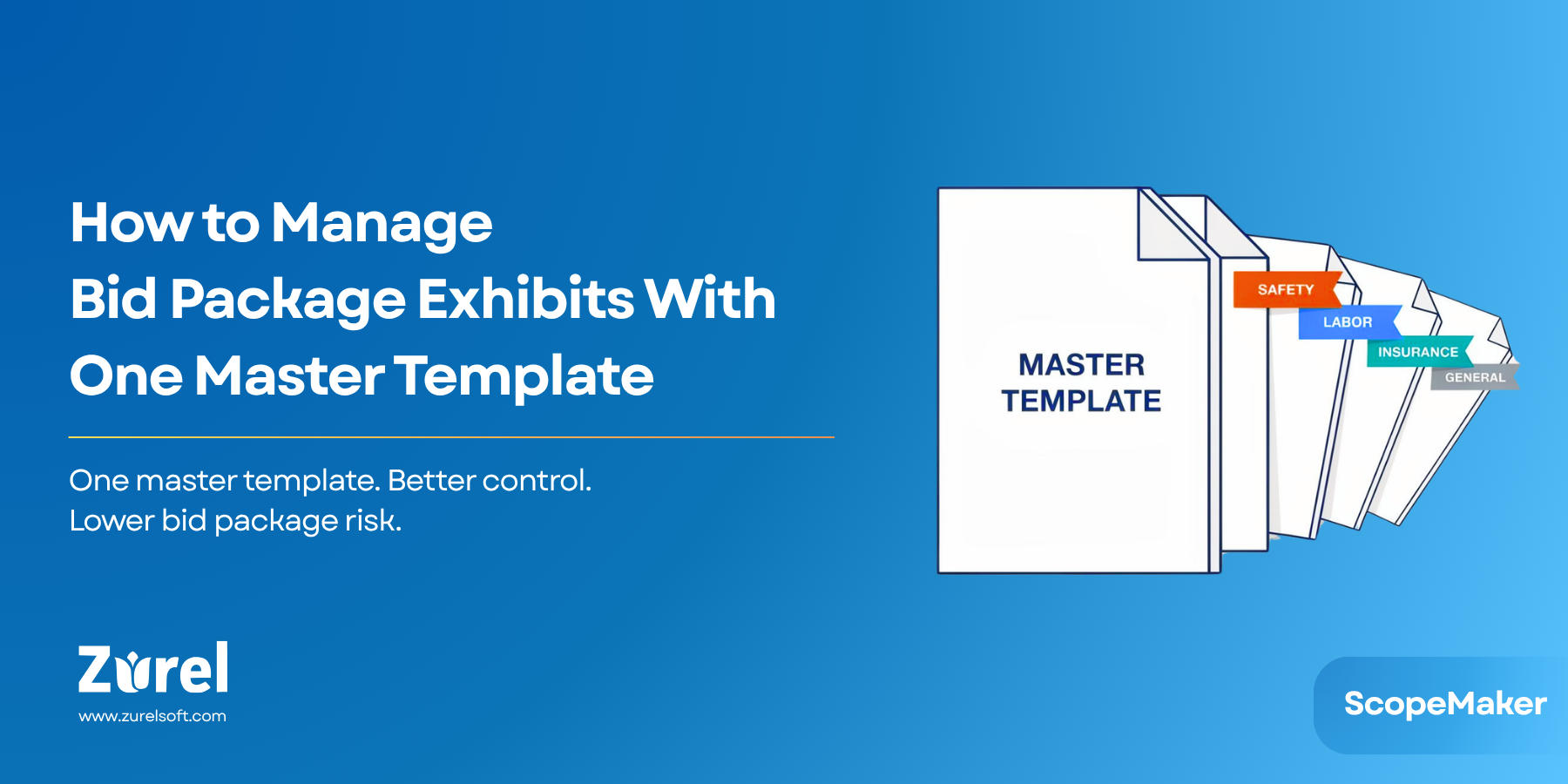
In our previous post, we looked at four ways contractors can organize bid package exhibit templates. One of those methods was to organize all repeatable content for one exhibit inside a single master template.
This does not mean creating one master template for the entire bid package. It means creating one master template for each exhibit type, such as one master Safety Exhibit template, one master Labor Exhibit template, one master Insurance Exhibit template, and so on.
That approach can be practical for some contractors. It gives their teams one place to maintain the reusable language for that exhibit, reduces the number of separate template versions, and makes it easier for project teams to know where the content lives.
But the tradeoff is that this method shifts the burden from template maintenance to template use. The project team must identify which sections apply, remove the sections that do not apply, and make sure the final exhibit does not carry leftover language from the wrong client, jurisdiction, project type, or other condition.
This article looks at how ScopeMaker helps make the one-master-template method easier to manage and less risky.
The Current Workflow Challenge
In many companies, a master exhibit template starts as a practical solution.
A contractor may have one Safety Exhibit template that includes the company’s standard safety requirements, along with optional or conditional sections for California projects, school district projects, union labor, public work, repeat clients, or specific owner requirements.
This avoids the need to maintain separate templates for every common condition. The team does not have to choose between several safety exhibit versions or remember where each piece of conditional language is stored. Instead, the team opens one master Safety Exhibit template and works from there.
That can be reasonable for contractors with a manageable number of recurring variations. A regional contractor may work mostly in one state, serve a few repeat clients, and see similar project conditions repeatedly. For that contractor, one master template for each exhibit type may be easier to maintain than many separate versions.
The problem is that Microsoft Word and folder-based workflows do not provide much structure for managing conditional content inside a large template. They do not give teams an easy way to identify which sections are tied to specific project conditions, locate those sections quickly, or remove unwanted content and related subsections in a controlled way.
Teams often rely on headings, highlighted notes, bracketed instructions, comments, color-coded text, or “delete if not applicable” language. These methods may help, but they still depend on the user reading carefully, interpreting the instructions correctly, finding the relevant sections, and removing the right content before the exhibit is issued.
As the template grows, that becomes harder. A safety exhibit may include California, NorCal, LAUSD, repeat client, public works, and union labor sections. Some may apply to a project. Others may not. Some may apply only when combined with another condition. Some may contain subsections that also need to be removed.
The team’s task is not simply editing a document. They are making scope decisions inside a document.
Why the Problem Matters
Bid package exhibits help define what subcontractors need to understand, price, and follow. When the wrong language is included, the issue is not only a formatting problem or a document cleanup problem. It can affect scope clarity, bid package consistency, and preconstruction risk.
If a subcontractor sees requirements that do not apply, they may price work differently, ask questions during bidding, assume responsibilities that were not intended, or become confused about which requirements are truly part of the project.
The risk can also go the other direction. If the project team removes too much content, they may leave out a requirement that should have been included. That can create a scope gap or force the team to correct the issue later through addenda, clarifications, contract edits, or post-bid conversations.
This is the main risk of the one-master-template method. Maintaining one master template may be easier than maintaining several versions, but using that template safely requires a reliable way to know which sections apply, which sections do not, and whether any unwanted content remains in the final exhibit.
Without that structure, the workflow depends too much on memory, manual search, and line-by-line review.
A Better Workflow With ScopeMaker
The better workflow is not to avoid master exhibit templates altogether. For many contractors, this approach can still be practical. The better workflow is to make the conditional content inside the master template easier to manage.
Optional and conditional sections should be identifiable. The team should be able to filter or search by project conditions. After a template is copied into a project, the team should be able to review which conditional tags are still present and remove unwanted sections without manually hunting through the full document.
ScopeMaker supports this workflow by adding structure to the template.
A contractor can create a master template for one exhibit type, such as a Safety Exhibit. That template can include the contractor’s standard safety language along with conditional language for different clients, jurisdictions, project types, or other recurring conditions.
Templates can be tagged with one or more conditions, such as Safety, California, Public Work, or School District. Projects can also be tagged. When a new project is created, the team may tag it as LAUSD and California. Those project tags can help guide which templates or sections should be considered.
The more powerful part is section-level or line-item-level tagging. Conditional sections inside the master exhibit template can be tagged based on when they apply. A section may be tagged LAUSD, California, Meta, NorCal, or more than one tag if it applies under multiple conditions.
This allows the project team to search or filter content based on tags instead of reading through the entire document from top to bottom.
ScopeMaker can support the workflow in two practical ways.
First, the user can copy only the relevant content. When copying a template to a project, the user can search for templates and sections that match the project’s tags. For a project tagged LAUSD and California, the team can focus on content that matches those conditions and avoid bringing in unrelated content when possible.
Second, the user can clean up after copying the full template. There may be times when the team wants to copy the entire master exhibit template into the project first. ScopeMaker can help the team see all the tags used in the copied document. If the tag panel shows Meta, NorCal, or another condition that does not apply, the team knows unwanted content may still be present.
From there, the user can navigate directly to the tagged section, review it, and remove it if it does not apply. If the unwanted content includes subsections, the workflow should allow the user to remove the parent section and its related subsections together, rather than manually selecting and deleting content line by line.
ScopeMaker does not require contractors to abandon the one-master-template method. It helps make that method more practical by giving teams a better way to find, filter, review, and remove conditional content.
Practical Example
Consider a contractor that maintains one master Safety Exhibit template.
The template includes standard safety requirements, plus conditional sections for California projects, LAUSD projects, NorCal projects, Meta projects, public works projects, and union labor conditions.
Now the contractor starts a new LAUSD project in California. In ScopeMaker, the project is tagged as LAUSD and California. The master Safety Exhibit template is also tagged, and the sections inside the template have been tagged based on applicability.
The team can now use the template in one of two ways. They can filter and copy only the sections that match the project, including the LAUSD and California sections while excluding unrelated Meta or NorCal content. Or they can copy the full Safety Exhibit template into the project and then use the tag panel to review the copied document.
If the tag panel shows Meta, the team knows that Meta-specific content is still present somewhere in the exhibit. They can navigate to that tagged section, review it, and remove it with its related subsections.
The team still gets the simplicity of one master Safety Exhibit template. But they also get a structured way to reduce the risk of carrying the wrong safety requirements into the final bid package.
When This Method Is a Good Fit
The one-master-template method is not the right model for every contractor. It works best when the amount of conditional variation is manageable and the team benefits from keeping each exhibit’s reusable content in one place.
It can be a good fit for contractors that work mostly in one region, have a limited number of recurring client requirements, or do not want to maintain too many separate template versions. It can also work for teams that do not have a large dedicated preconstruction department and need a simpler way to keep exhibit content organized.
If a contractor has too many dimensions of variation, the master template can become too large and difficult to manage. But for contractors with a moderate number of recurring variations, one master template for each exhibit can still be a strong workflow. It keeps maintenance simpler, gives users one place to start, and, with the right tagging and cleanup tools, reduces the risk of unwanted content carrying forward.
The key is to avoid treating the master template as an ordinary document. It should be managed as structured scope content.
Conclusion
A one-master-template approach can be a practical way to manage bid package exhibits. For the right contractor, it reduces version sprawl, keeps reusable language in one place, and makes template maintenance easier.
But the method also creates a clear responsibility for the project team. They must know which sections apply, which sections do not, and whether the final exhibit contains any language that should not be there.
That risk is manageable when the workflow is structured.
ScopeMaker helps contractors use one master template for each exhibit type with more control. By tagging templates, tagging projects, tagging sections, filtering content, reviewing tags after copying, and removing unwanted sections more easily, teams can keep the simplicity of the master-template method while reducing the risk of carrying the wrong scope language into a bid package.
Better bid package exhibits are not just better documents. They help create clearer subcontractor expectations, reduce scope gaps, improve bid package consistency, and lower preconstruction risk before contracts are finalized.
About Author