Managing time and material work can become difficult as a construction company grows. More projects mean more T&M Tickets, more approvals, more paperwork, and more coordination between field and office teams.
Traditional paper processes can create problems such as lost tickets, incomplete information, difficult-to-read handwriting, delayed approvals, and extra administrative work. These issues can eventually slow down billing and make it harder to track completed work.
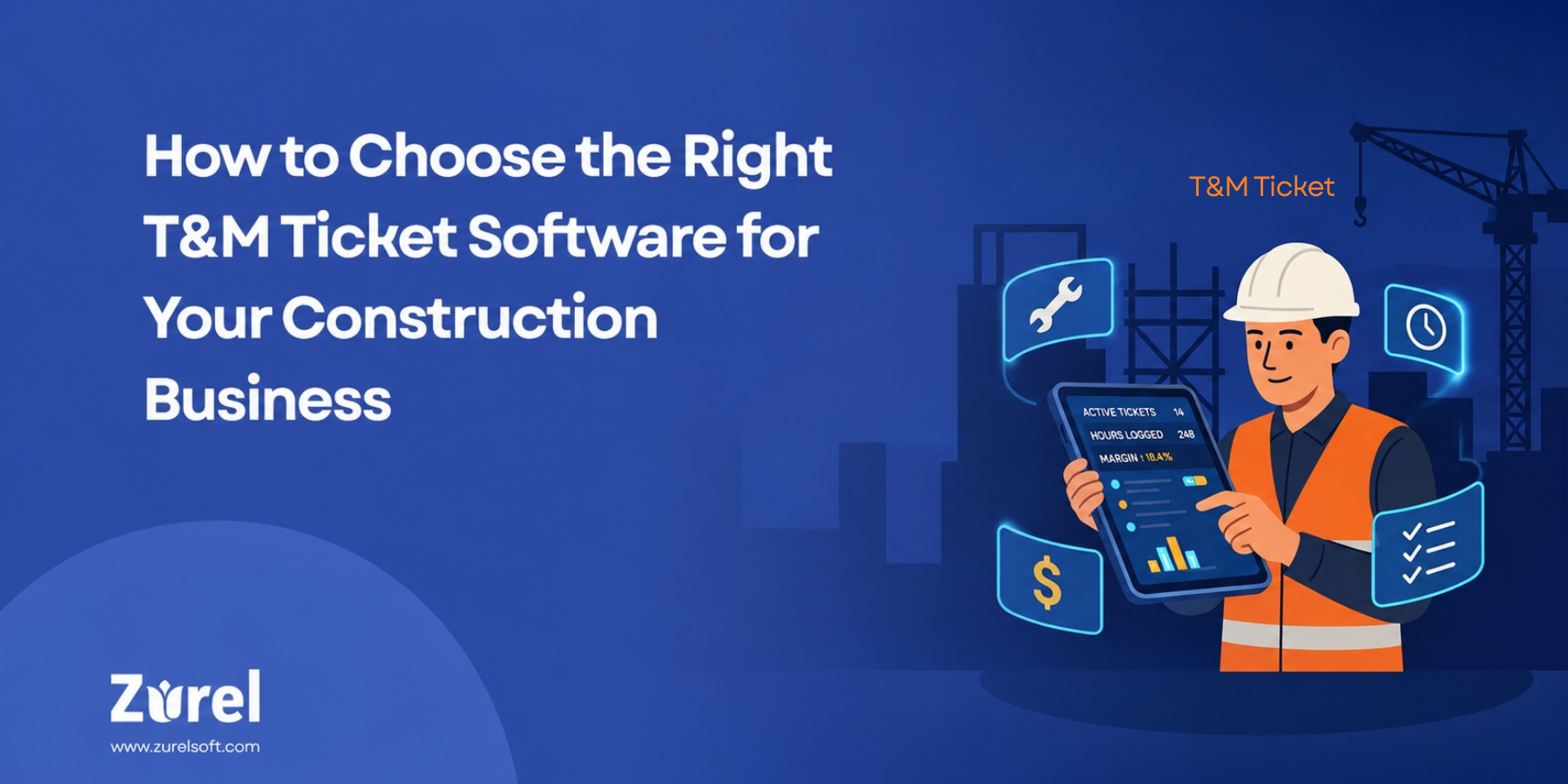
The right T&M Ticket Software helps contractors organize this process in one digital workflow. But not every solution works the same way.
This guide explains what contractors should look for when choosing a T&M Ticket Solution for a construction business and how to evaluate whether the software will work for both field and office teams.
What Is T&M Ticket Software?
T&M Ticket Software is a digital solution for creating, tracking, approving, and managing Time and Material (T&M) Tickets in construction. T&M Tickets document the labor, materials, and equipment used for work performed outside the original contract scope.
By digitizing the process, T&M Ticket Software helps contractors accurately track extra work, simplify approvals, maintain clear records, and support faster billing and audits.
Why Choosing the Right T&M Ticket Software Matters
Not every construction business has the same T&M workflow.
Some contractors may manage a few tickets each week, while others have multiple crews creating tickets across many projects every day.
The right software should help contractors:
- Simplify field documentation
- Create consistent T&M Tickets
- Support versatile workflows and documentation needs for different clients
- Reduce administrative work
- Improve communication between the field and office
- Make client approvals easier
- Track ticket status
- Move completed work toward billing faster
- Support more projects and users as the company grows
Choosing software based only on the number of features can be a mistake. Contractors should focus on how well the system supports their actual workflow.
What to Look for in T&M Ticket Software
1. Ease of Use for Field Employees
Ease of use should be one of the first things contractors evaluate.
Field employees need to create tickets while managing active construction work. If the software requires too many steps or extensive training, employees may avoid using it consistently.
Look for a system with simple navigation, clear fields, and a straightforward ticket creation process.
The easier the software is to use, the easier it becomes to standardize the T&M process across crews.
2. Complete T&M Ticket Creation
A good T&M Ticket system should capture the essential information needed to create a complete and consistent record of the work, including:
- Project information
- Date
- Work description
- Labor hours and classifications
- Materials used
- Equipment used
- Rates and markups
- Customer information
Having this information in one ticket helps reduce missing details and gives clients and office teams a clear record for review, approval, and billing.
3. Access and Visibility Controls
A good T&M Ticket system should give contractors control over who can see specific information.
For example, not every field employee may need access to labor rates, equipment rates, or markup details. The software should allow companies to limit sensitive pricing information based on user roles or permissions.
It should also make it easy to control which documents are shared with clients and which are kept for internal use. This helps teams manage information more securely while keeping client-facing records clear and relevant.
4. Photos and Supporting Documents
Some T&M work requires additional documentation beyond the information entered on the ticket. Look for software that allows employees to attach supporting files such as:
- Jobsite condition photos
- Before-and-after photos
- Photos of completed work
- Receipts
- Material invoices
- Delivery tickets
- Scanned documents
These attachments provide supporting evidence for the recorded work and create a stronger record for client approval, billing, and future reference.
5. Flexible Client Approval Options
Contractors should evaluate how clients can review and approve tickets. Depending on the software, options may include in-person signatures, email approval, QR-code approval, or online approval.
Also look for automated approval reminders that help follow up on pending tickets. This can reduce manual follow-up, speed up approvals, and help completed T&M work move toward billing sooner.
6. Accurate Rates and Markups
Manual pricing can create mistakes when crews use outdated rates, select the wrong labor classification, or calculate markups incorrectly.
Look for T&M Ticket Software that can apply approved labor rates, equipment rates, material costs, and markups within the workflow. The system should also be versatile enough to support different rates and markup structures for different clients or individual jobs.
This helps contractors maintain pricing accuracy while adapting to different contract and project requirements.
7. Ticket Status Tracking
Contractors should be able to quickly see where each ticket is in the process.
For example, a ticket may be:
- Draft
- Submitted
- Waiting for approval
- Approved
- Rejected or requiring changes
- Ready for office review
Clear status tracking reduces the need to search through emails, paper records, or spreadsheets to determine which tickets still need attention.
8. Better Field-to-Office Workflow
Field and office employees should not have to manage separate versions of the same ticket.
When field employees submit a digital T&M Ticket, the office should be able to access the information without waiting for paperwork to arrive or manually entering the same details again.
This can reduce duplicate work, improve communication, and help completed tickets move toward billing sooner.
9. Standardization Across Projects
Different crews sometimes develop their own way of documenting T&M work.
That can make office review difficult and create inconsistent records.
T&M Ticket Software should help contractors establish a standard process across projects, crews, foremen, superintendents, and project managers.
Standardization can also make onboarding easier because new employees can follow the same general process instead of learning a different system for every project.
10. Scalability
The software should continue to work as the construction business grows.
Before selecting a solution, consider whether it can support:
- More employees
- More crews
- More projects
- Higher ticket volumes
- Growing administrative requirements
- Unique rate tables for different divisions
- Different T&M forms or configurations for larger business units
A scalable solution should support growth without forcing teams into one fixed setup or requiring the company to replace the system as T&M activity becomes more complex.
Questions to Ask When Comparing T&M Ticket Software
When evaluating different solutions, contractors should ask practical questions about the complete workflow.
Consider asking:
- Is the software easy for field employees to learn?
- How quickly can an employee create a ticket?
- Can labor, materials, and equipment be recorded?
- Can photos, receipts, and documents be attached?
- What client approval methods are available?
- Can rates and markups be standardized?
- Can rates and markups be adjusted when needed to support a flexible T&M workflow?
- Can office employees see ticket status?
- How are rejected tickets handled?
- Can the software support multiple projects and crews?
- Is the system easy to scale?
- How do approved tickets move toward billing?
- What training and customer support are available?
These questions can help contractors compare how each solution will work in real construction environments.
Common Mistakes to Avoid When Choosing T&M Ticket Software
Choosing Based Only on Price
A lower-cost solution may seem attractive, but it can create more work if it lacks important features for documentation, approvals, tracking, or billing.
Choosing Software That Is Too Complicated
If the system is difficult to learn or requires too many steps, field employees may avoid using it consistently. Ease of use should be a priority.
Ignoring the Client Approval Process
Creating a digital ticket is only one part of the workflow. Contractors should also consider how easily clients can review and approve T&M work.
Focusing Only on the Field Team
The software should support both field and office employees. A good solution should make it easy to create tickets in the field and review, track, and process them in the office.
Choosing a Solution That Cannot Scale
Software that works for a small number of tickets may become difficult to manage as projects, crews, users, and ticket volume increase.
How to Evaluate a T&M Ticket Solution Before Buying
Step 1: Review Your Current T&M Process
Identify where delays happen, such as lost tickets, incomplete documentation, duplicate data entry, approval delays, pricing mistakes, or excessive administrative follow-up.
Step 2: Identify Your Must-Have Features
Create a list of the features your business needs, including ticket creation, approvals, attachments, rate management, status tracking, and reporting.
Step 3: Involve Field and Office Teams
Include the employees who will actually use the system. Field crews, project managers, and office staff may have different needs and workflows.
Step 4: Request a Product Demo
Ask the software provider to demonstrate a realistic T&M workflow, from ticket creation and client approval to office review and billing preparation.
Step 5: Evaluate Ease of Use
Pay attention to how many steps are required to complete common tasks. The right system should simplify the workflow, not add extra work.
A practical test is to put the software in the hands of one of your least tech-savvy foremen and see whether they can create and submit a T&M Ticket without needing help. If they can use it confidently with little guidance, the software is more likely to be adopted successfully across the field team.
Step 6: Consider Scalability
Make sure the solution can support more users, projects, crews, and T&M Tickets as your construction business grows.
Why Ease of Use Should Be a Priority
Construction teams work in fast-moving environments. They need software that supports the job rather than slowing it down.
An easy-to-use T&M Ticket Solution can help employees create tickets sooner, document information more consistently, and reduce training requirements.
Ease of use also becomes more important as contractors add new employees, projects, and crews.
Why Contractors Choose Zurel T&M Tickets
Zurel T&M Tickets provides an easy-to-use and scalable solution designed for construction teams managing time and material work.
Field employees can create clear digital tickets, document labor, materials, equipment, and work details, and attach photos or supporting documents.
Flexible approval options help contractors collect client approval more efficiently, while standardized rates and markups can support more consistent ticket pricing.
Zurel also helps connect field and office workflows, giving teams better visibility into ticket progress and reducing administrative work as ticket volume grows.
Conclusion
Choosing the right T&M Ticket Software requires more than comparing feature lists.
Contractors should consider ease of use, documentation, client approvals, pricing accuracy, ticket tracking, field-to-office workflows, standardization, and scalability.
The right solution can help construction businesses reduce paperwork, improve T&M documentation, simplify approvals, and move completed work toward billing more efficiently.
Zurel T&M Tickets offers an easy-to-use, scalable T&M Ticket Solution for construction businesses that helps teams manage the workflow from field documentation through client approval and office processing.
Book a free demo to see how Zurel T&M Tickets can simplify your T&M workflow.
Frequently Asked Questions
About Author